
Best free Mac apps.
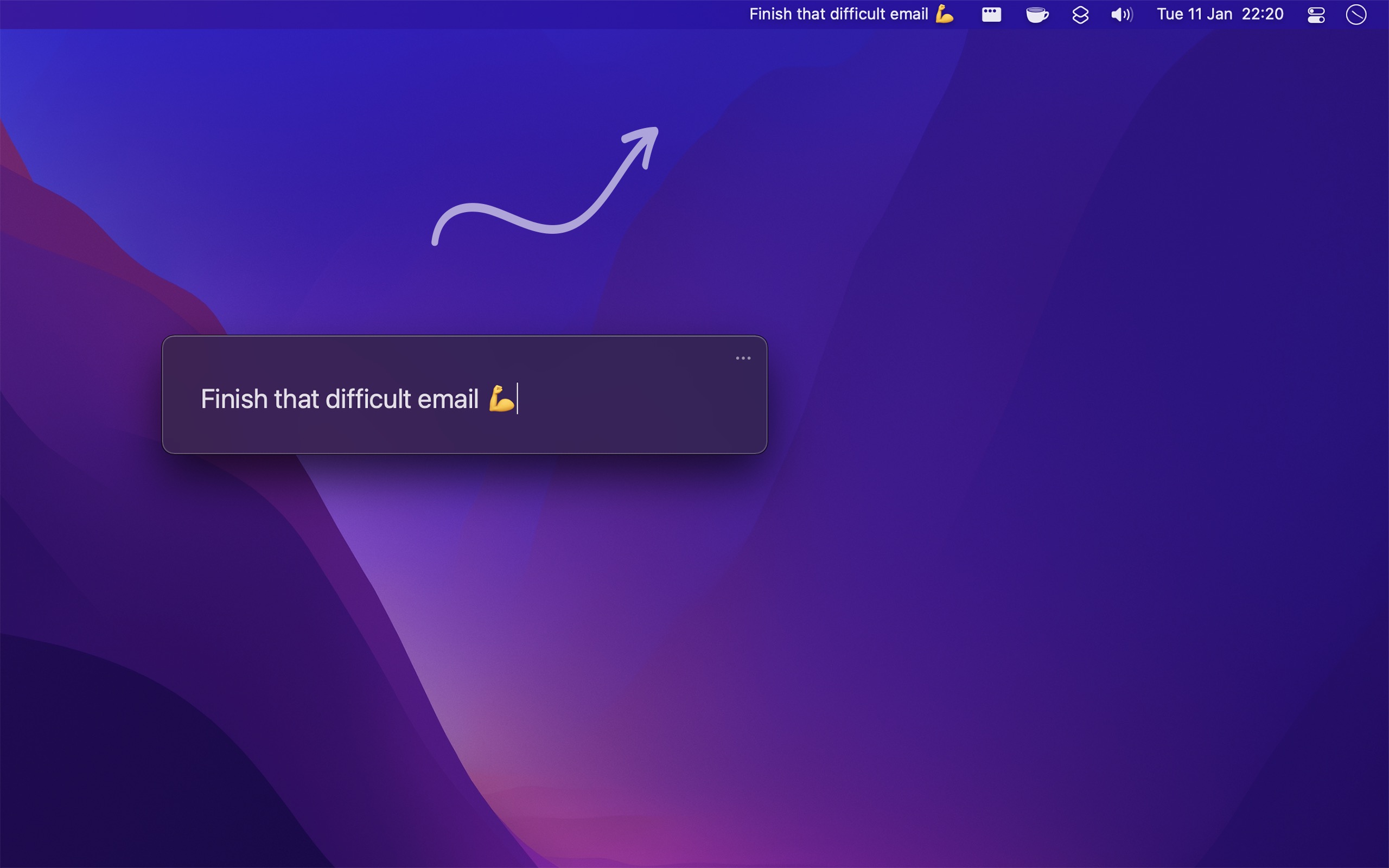
One Thing
Run your Mac shortcuts from the menu bar. Cleaner, faster, more customizable way to organize and trigger workflows. From Sindre Sorhus.
AppCleaner
Thoroughly uninstall unwanted apps
coconutBattery
Check battery health and status
CopyClip
Lightweight clipboard history manager
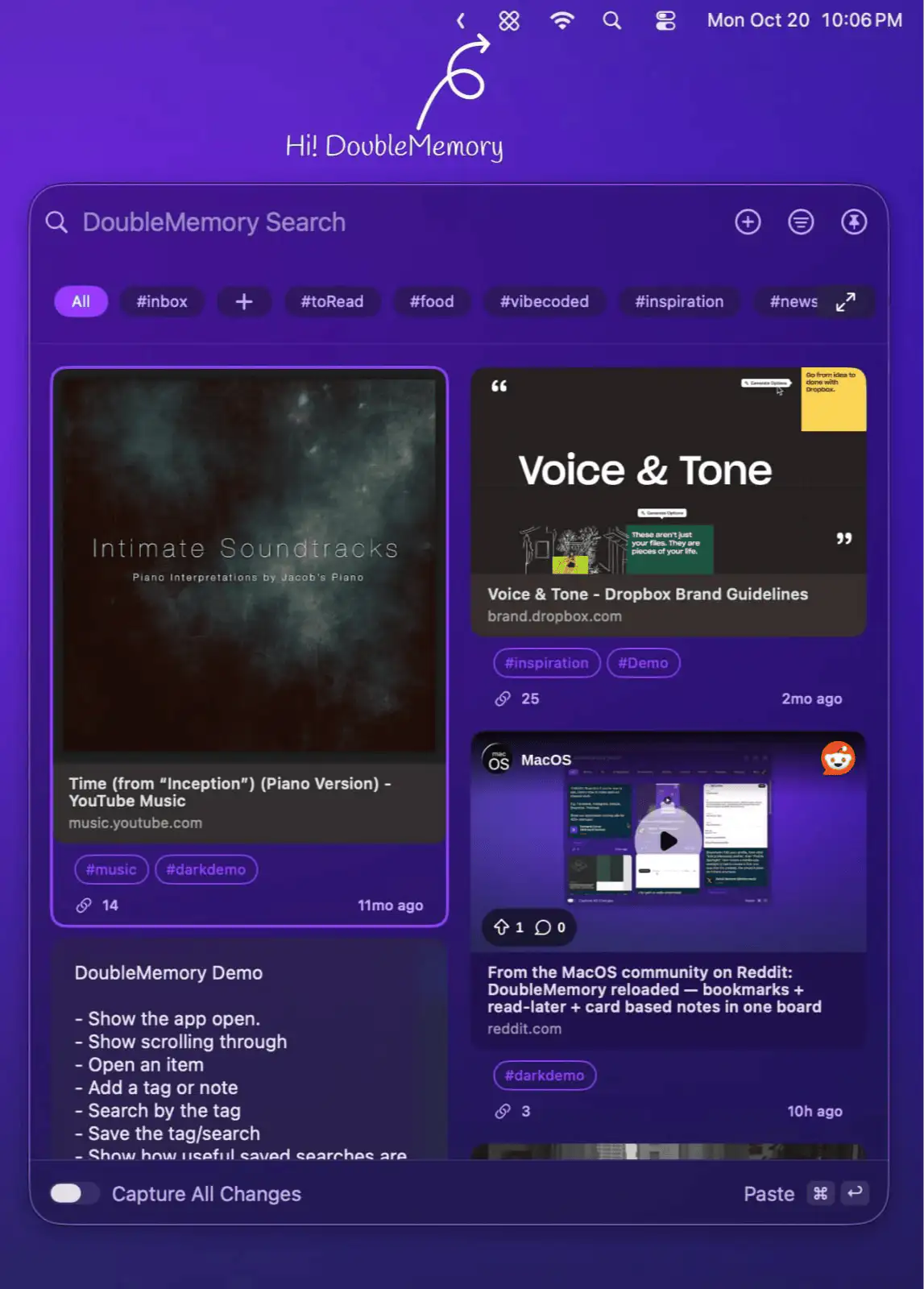
DoubleMemory
Save links, notes, and snippets instantly from the macOS menu bar. Quick search and effortless recall across devices in a clean, lightweight interface.
Encrypto
Encrypt files with AES-256 encryption
EtreCheck
System configuration and diagnostic reporting
Fork
Fast and friendly Git client for Mac
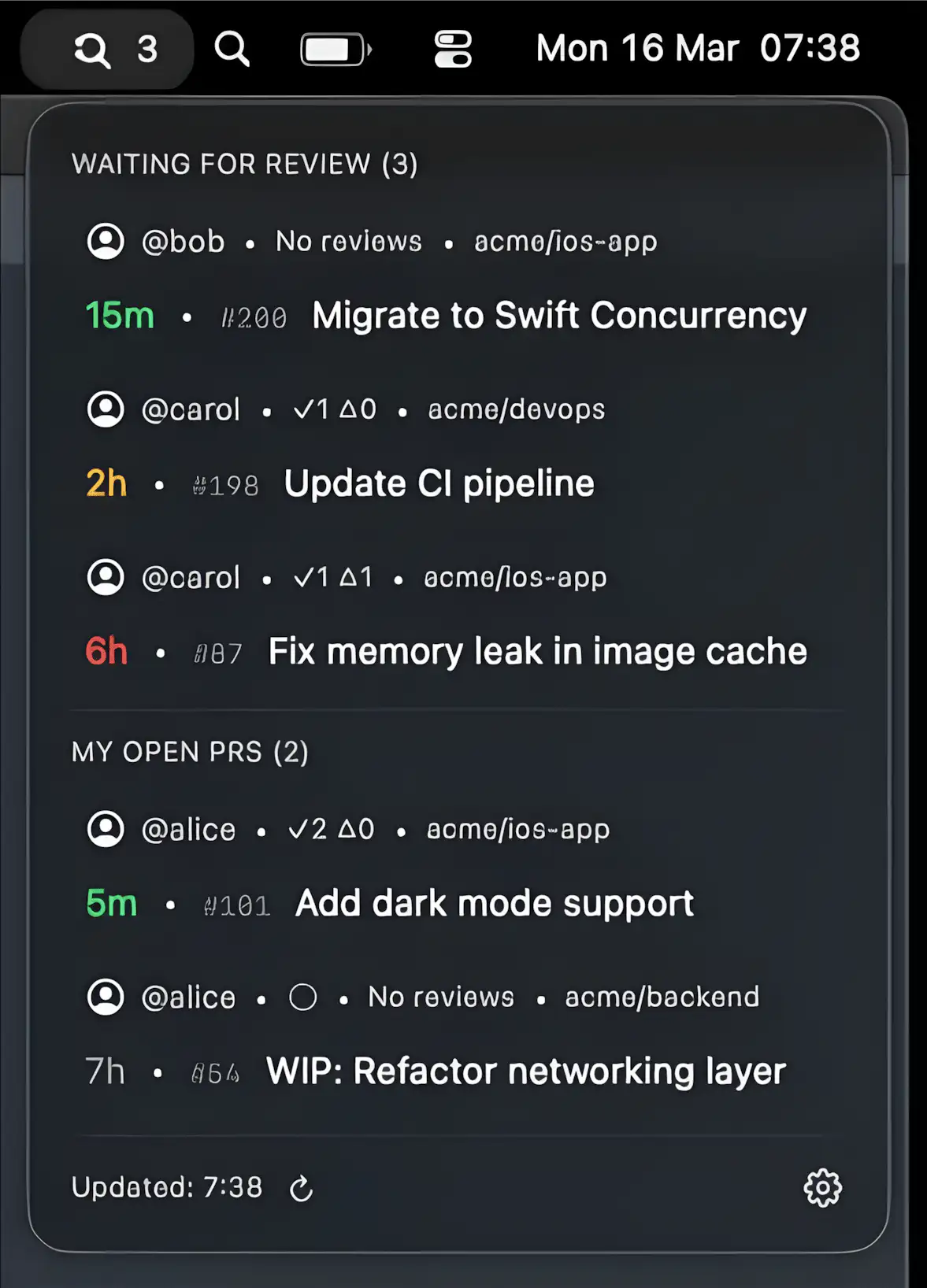
Git Glance
Keeps your recurring revenue visible without the usual dashboard clutter, combining Stripe, Polar and Lemon Squeezy data while nudging you about every meaningful change.
Muxie
Last.fm scrobbler for Apple Music, Spotify Desktop, iPod Classic, Rockbox devices and some others
Onyx
Multifunction utility for macOS
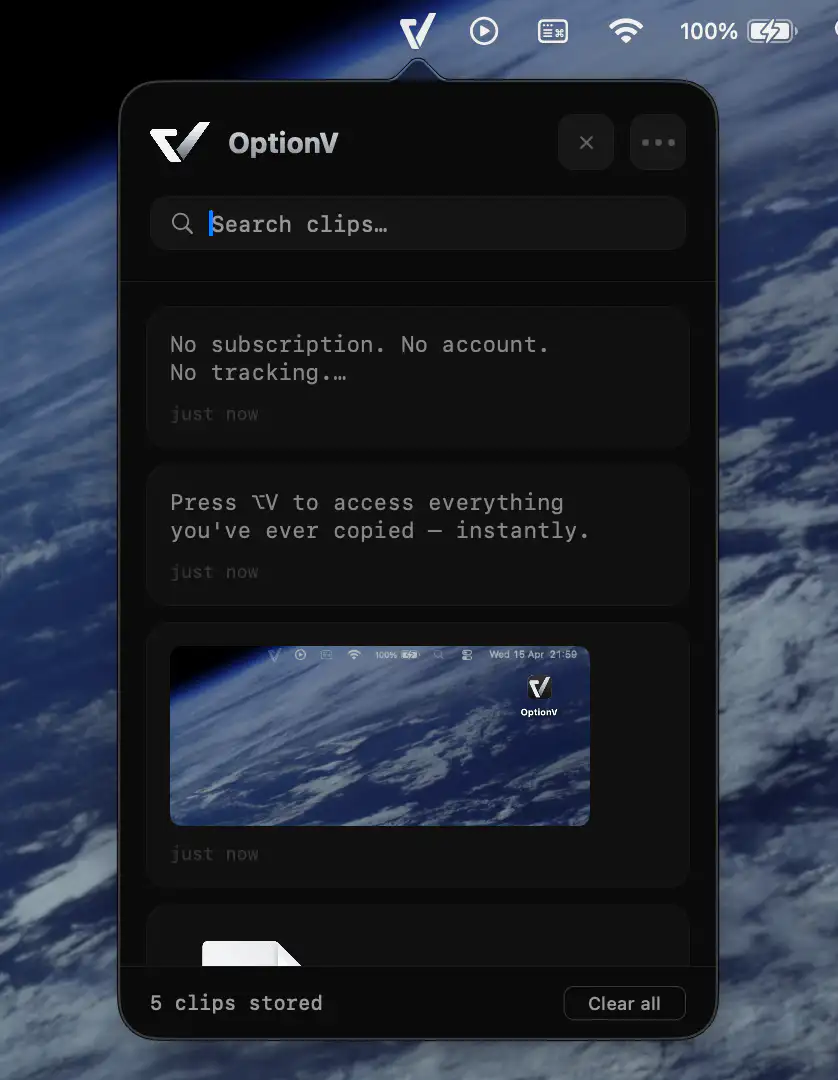
OptionV
Turns your clipboard into a searchable archive, indexing everything you copy and surfacing it instantly with a simple shortcut. No accounts, no tracking.
Orion
Lightweight WebKit browser with zero telemetry
PDFgear
Free PDF editor for macOS
ScreenKite
Screen recording and video editing with auto zoom effect. 4x faster than Screen Studio
SF Symbols
Browse and export Apple's SF Symbols
SourceTree
Free Git client from Atlassian
Terminal
Built-in media player for macOS
The Unarchiver
Extract many archive formats
Warp
Rust-based terminal with modern features
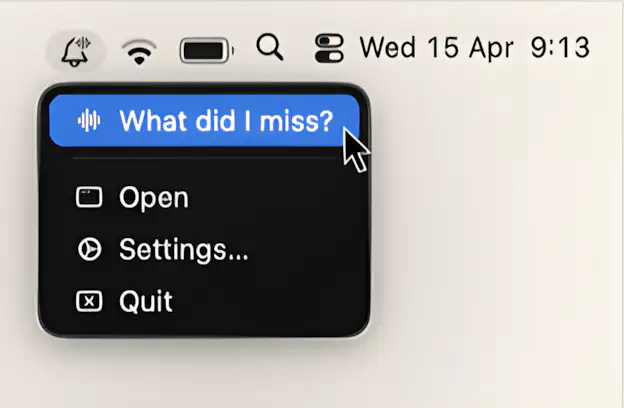
What Did I Miss
Gathers what you missed, summarizes it on-device, and calmly reads it back in a short, surprisingly useful recap.
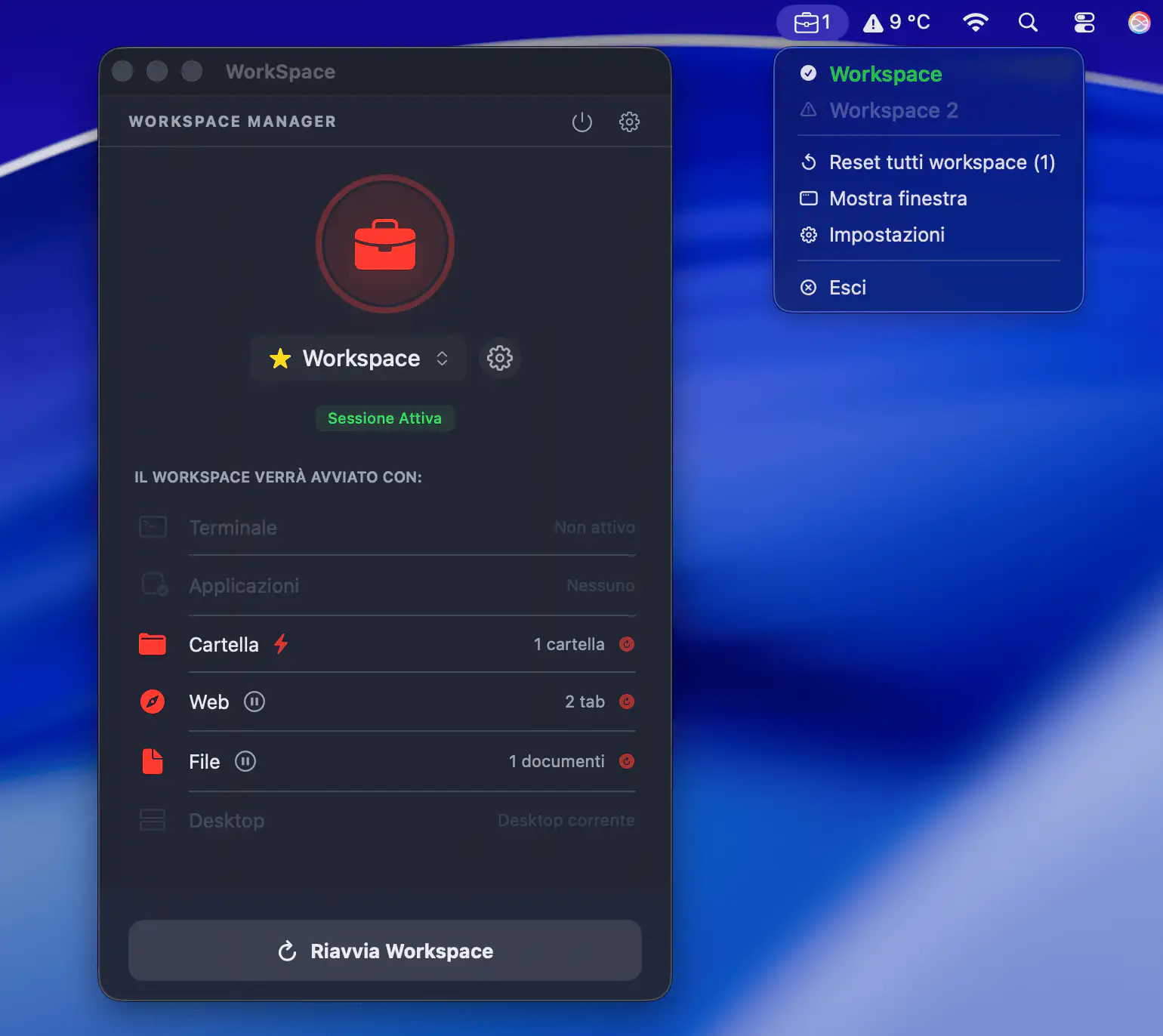
Workspace Manager
Switch projects without rebuilding your setup. Opens terminals, apps, folders, and websites in one click from the menu bar.
FFmpeg
A complete, cross-platform solution to record, convert and stream audio and video
Arc
An innovative web browser developed by The Browser Company. It’s designed to enhance your browsing experience with features that adapt to your needs and preferences
Affinity
All the design and photo editing tools you need in one app–for free
AnyDesk
The secure & intuitive remote desktop software, and take advantage of the application's innovative features
Android File Transfer
Browse and transfer files between your Mac computer and your Android device
ChatGPT on your desktop
OpenAI's official ChatGPT desktop app
Dropover
Effortless Drag & Drop on your Mac
Keka
The macOS file archiver Store more, share with privacy
LinearMouse
The mouse and trackpad utility for Mac
LocalSend
Open-source cross-platform alternative to AirDrop
TinkerTool
TinkerTool is an application that gives you access to additional preference settings Apple has built into macOS
Every Default macOS Wallpaper
Every major version of macOS has come with a new default wallpaper
Dynamic Wallpaper Club
A service to create and a platform to share Dynamic Wallpapers for Mac
Mac Sierra Wallpapers
A collection of the top 39 Mac Sierra wallpapers and backgrounds available for download for free

Grayscale of Mountain
Taken from 5083m behind Dingboche, Nepal
Is Apple Silicon ready?
The complete guide for MacOS Apps Optimized for Apple Silicon Macs and the M1 Processor


Honey for Mac
A free, local-only menu-bar app that installs Honey across supported AI coding agents and tracks estimated token, cost, and CO2 savings.
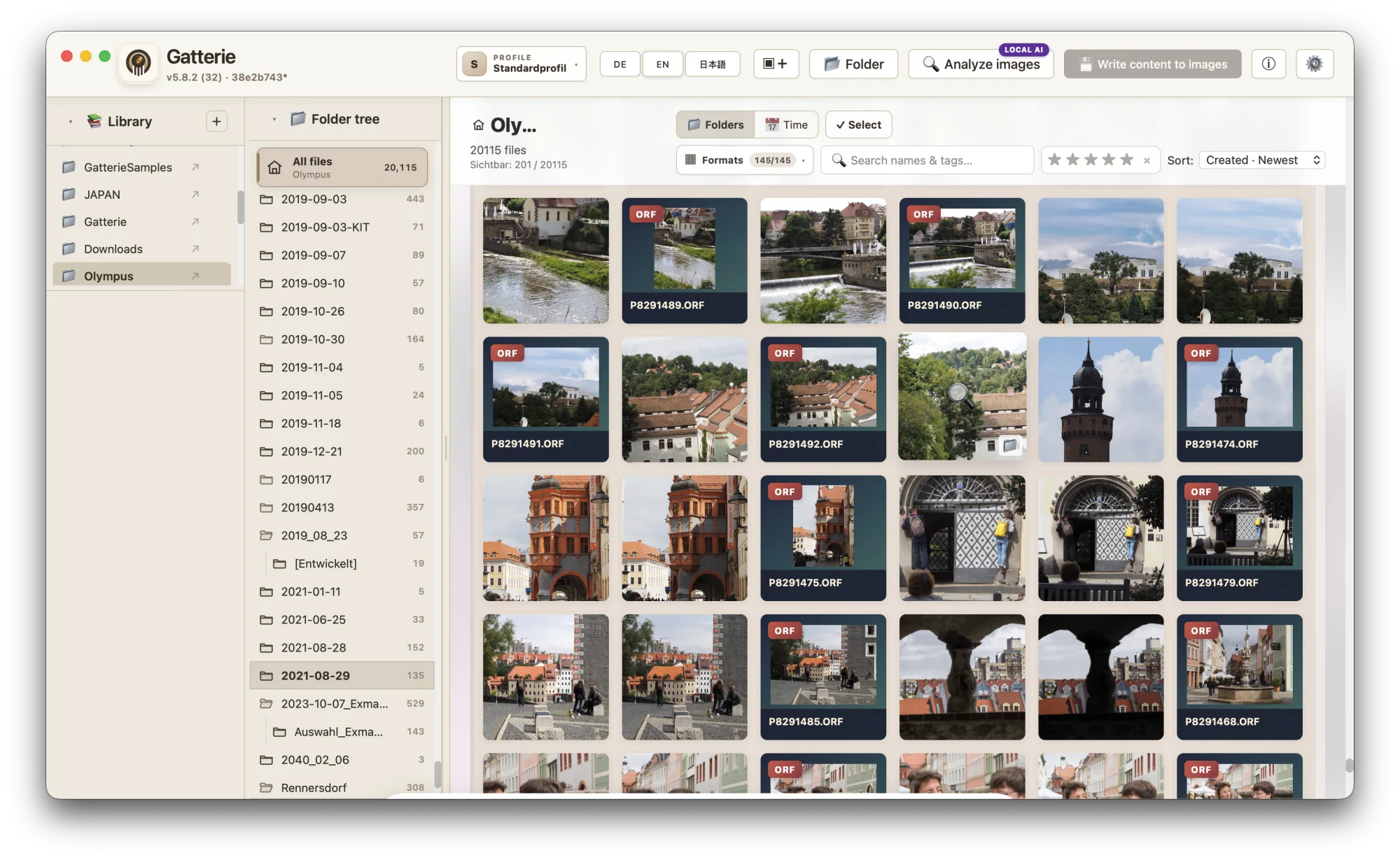

Gatterie
A local-first visual file library for photos, documents, video, creative files and 3D/CAD — without cloud storage or subscriptions.
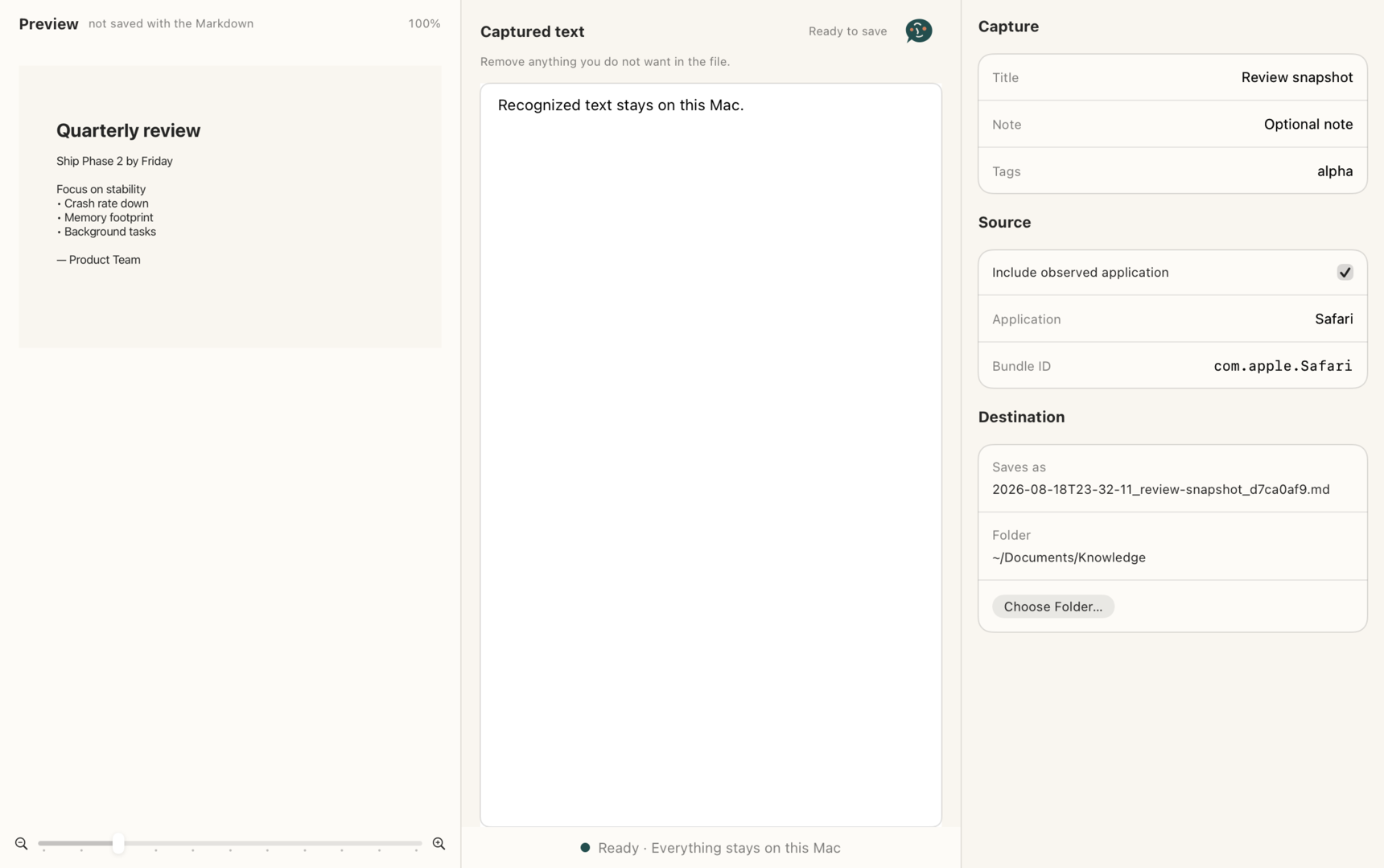

capkiku
Free macOS menu-bar app: draw a box, review OCR, save Markdown and delete the screenshot; or record on-device and keep Markdown plus the .m4a.
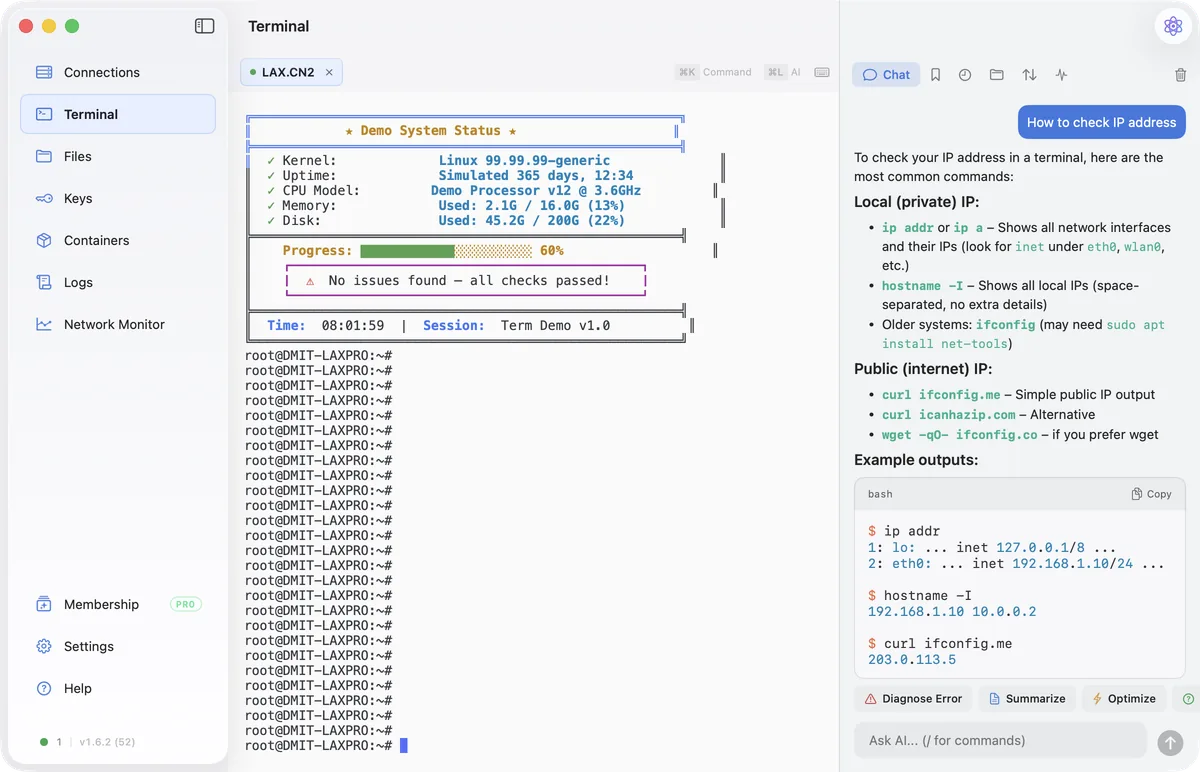

Nexus Shell
Native macOS SSH workspace for terminal sessions, dual-pane SFTP, Docker management, server monitoring, session logs, and encrypted iCloud sync.


AlliHat
An AI sidebar for Safari that can read the page, explain selections, and take browser actions with your choice of AI model.

calibre
Manage, convert, organize, and read an e-book library locally.
Macs Fan Control
Monitor Mac temperatures and inspect or control cooling fan speeds.
Mactracker
Look up detailed specifications and history for Apple hardware and operating systems.
VMware Fusion
Run Windows, Linux, and other operating systems in virtual machines on a Mac.

macFUSE
Extend macOS file-system support through a user-space development framework.

Opera
Browse the web with built-in tab organization, privacy tools, and workspaces.

XQuartz
Run software that depends on the X.Org window system on macOS.

Kindle
Read and organize Kindle books on your Mac with synced progress and notes.

FileZilla
Transfer files over FTP, FTPS, and SFTP with a cross-platform desktop client.
X Lossless Decoder
Decode, convert, and play lossless audio formats with cue-sheet support.

VirtualBox
Create and run cross-platform virtual machines from your Mac.

Apache OpenOffice
Work with documents, spreadsheets, presentations, drawings, and databases.

MacJournal
Keep private journals and long-form notes in a focused Mac writing app.

Adobe Acrobat Reader
Read, annotate, fill, and sign PDF documents on your Mac.

Audacity
Record and edit multitrack audio with a broad set of effects and plug-ins.
GarageBand
Create, record, and mix music with Apple instruments, loops, and effects.
iMovie
Edit home movies and social video with Apple's approachable Mac editor.
Thunderbird
Manage email, calendars, contacts, and feeds in a privacy-minded desktop client.

LibreOffice
Create documents, spreadsheets, presentations, drawings, and databases offline.
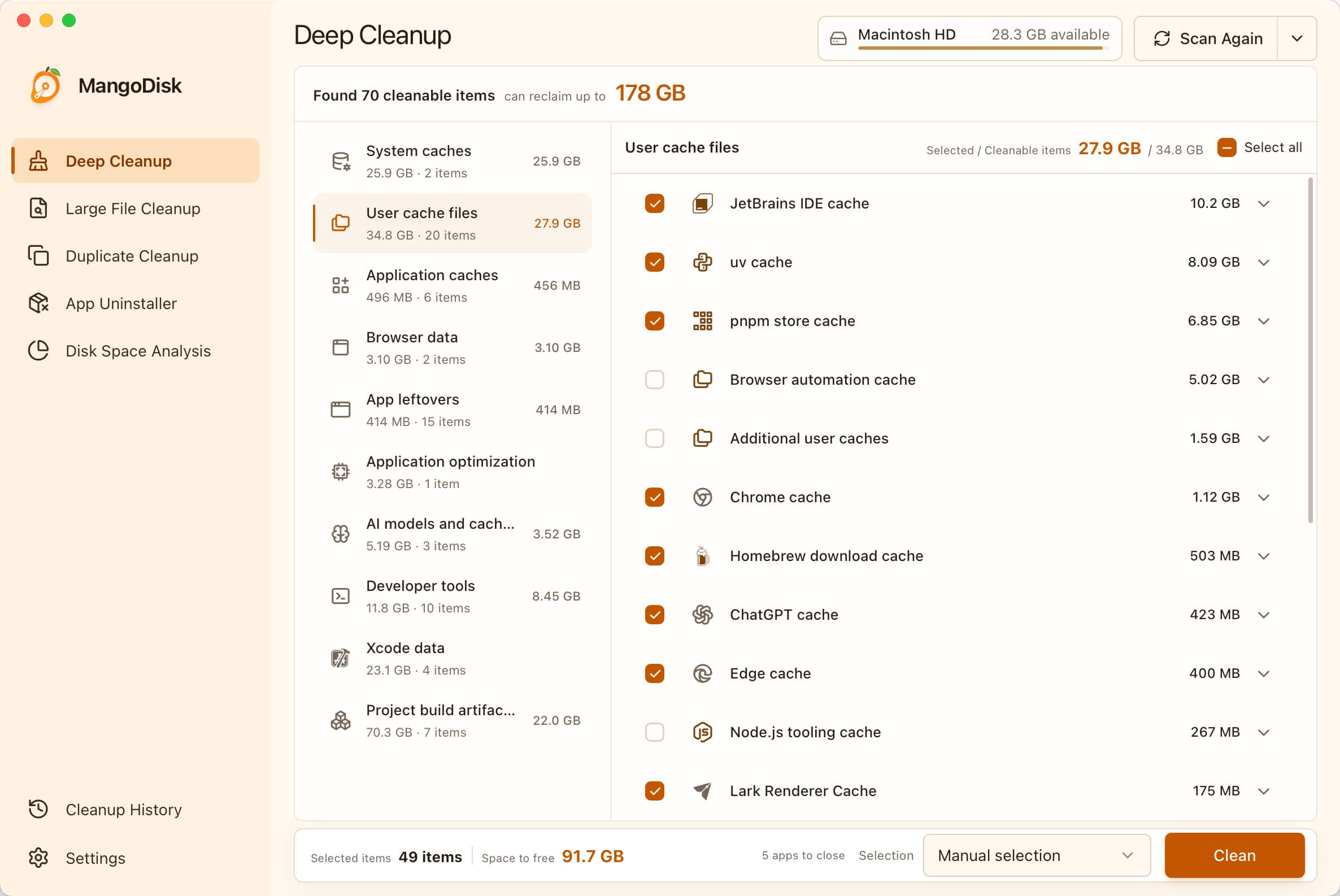
MangoDisk
Free up space without hunting through folders: an open-source cleaner with a visual disk map, duplicate finder, app removal and privacy cleanup. No account needed.
Clavio
System-wide AI dictation for Mac: use a hotkey or say “Hey Clavio” to turn speech into polished, punctuated text in any app, with per-app tones and 28 languages.

EvergreenCRM
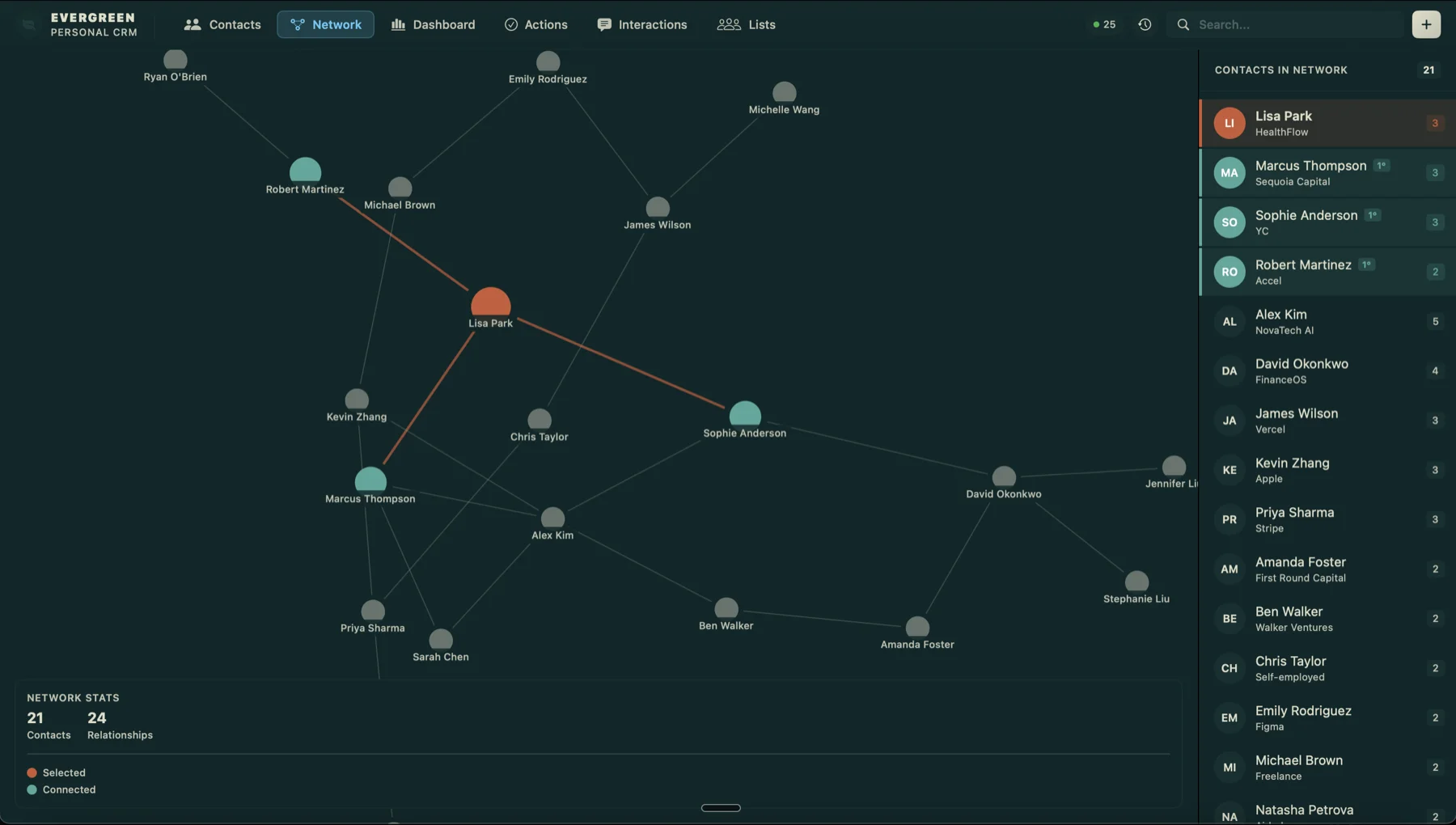
Local-first personal CRM for Mac, iPhone, and iPad — your network stays on your device.
Magic Knob
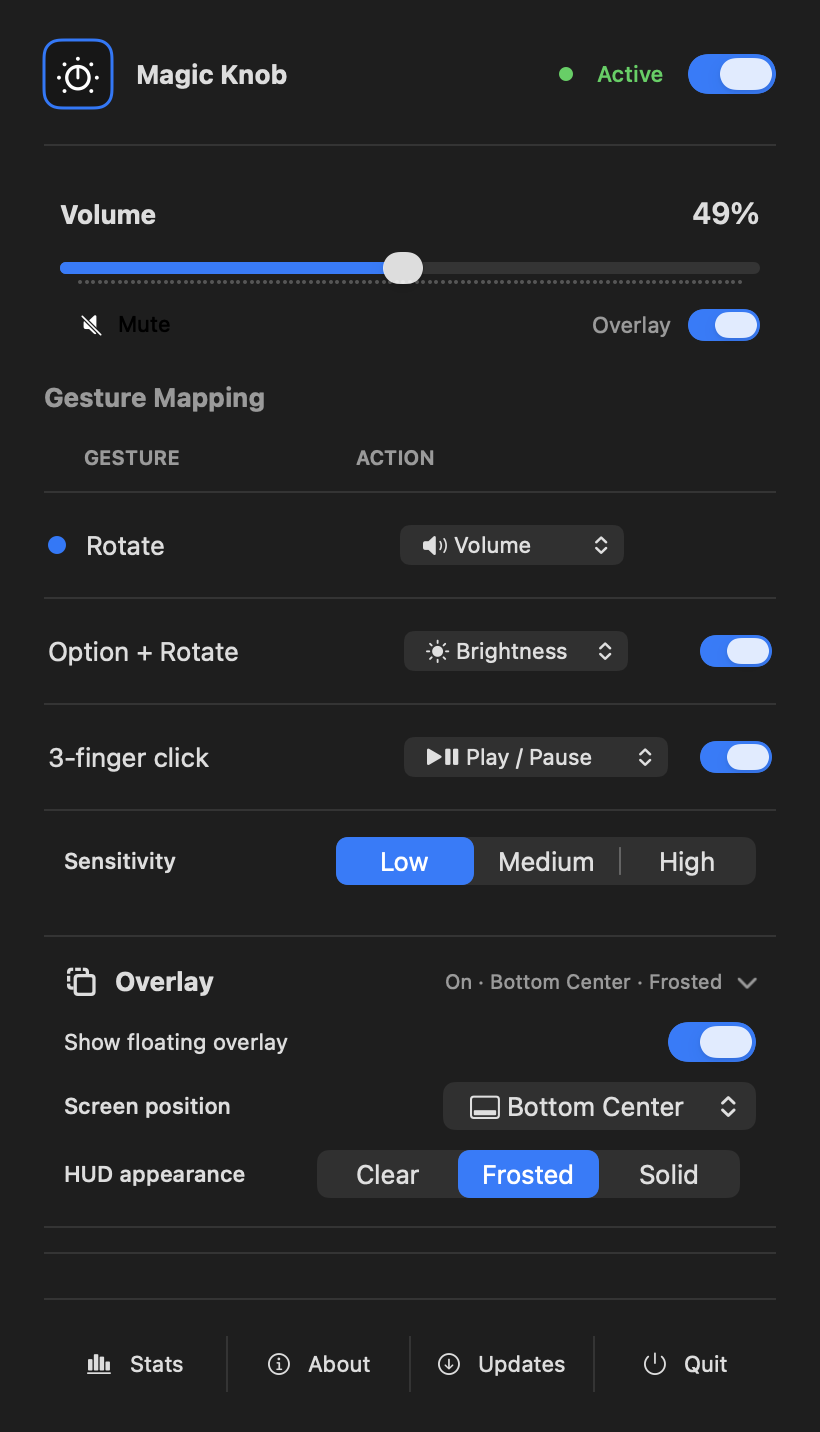
Turn your Mac trackpad into a dial for volume and brightness, with a three-finger click for media controls or custom shortcuts.


Gojo
Gojo is a native macOS 14+ productivity hub in the MacBook notch for dictation, window snapping, clipboard history, file staging, media controls, display comfort, and glanceable tools.
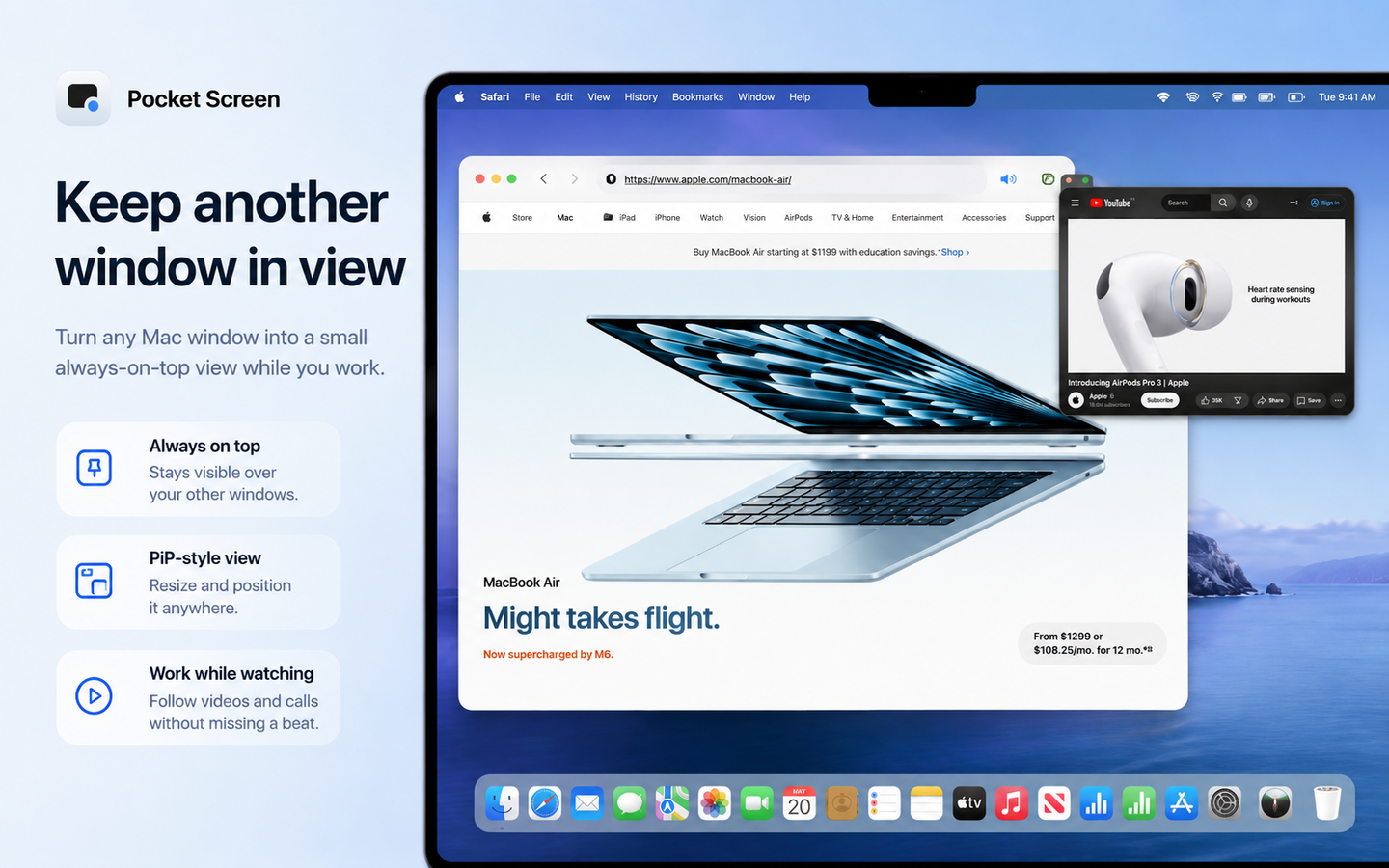
Pocket Screen
Keep up to two Mac app windows visible as compact, always-on-top live reference views while you work in another app.

DynamicHorizon
DynamicHorizon turns the Mac notch into an interactive Dynamic Island for media, downloads, notifications, timers, weather, battery and more.
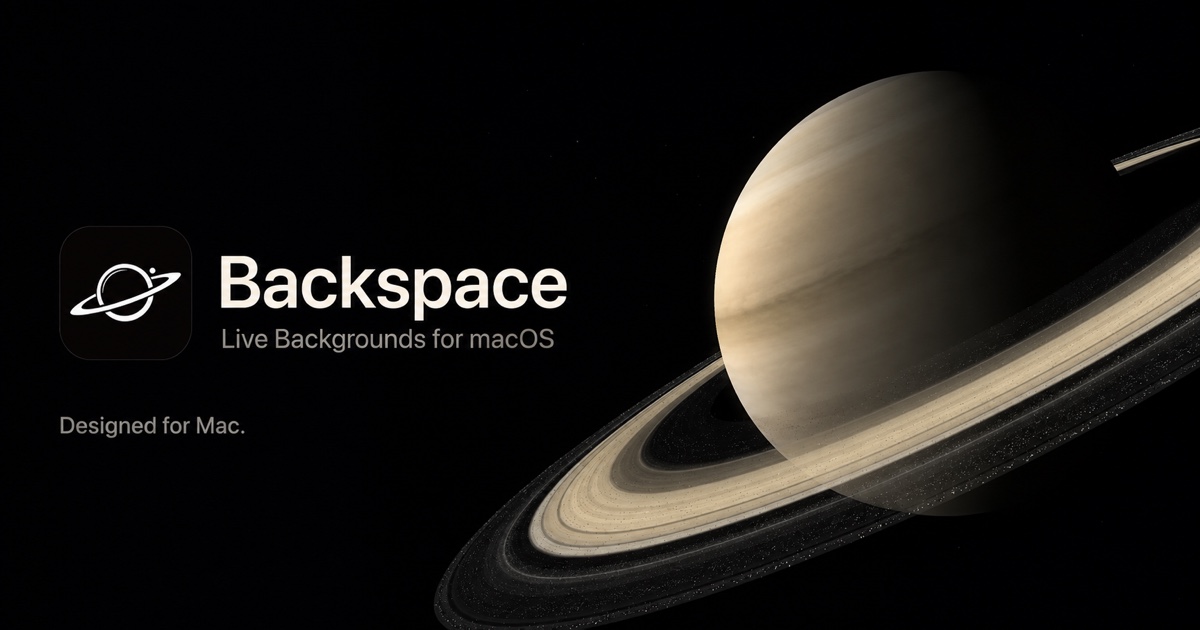
Backspace: macOS Live Wallpapers
Explore more than 1,000 live wallpapers in 4K for your Mac desktop and Lock Screen, with playlists and per-display control.


CareClinic for Mac
A full-size Mac health tracker for symptoms, medications, mood, sleep, habits, and health history.
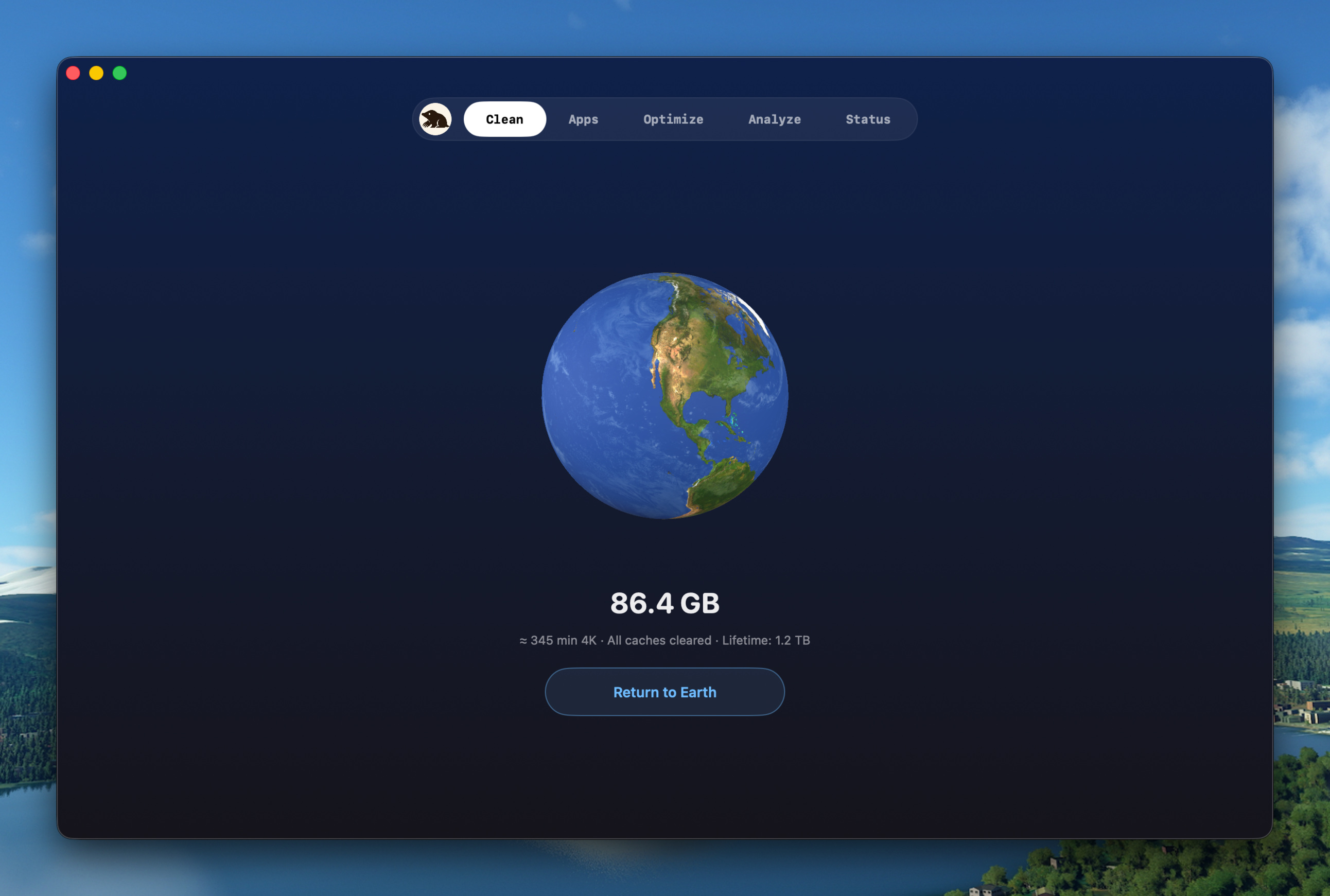

Mole
A native Mac utility for cleaning caches, managing apps, analyzing disk space, and monitoring system health.
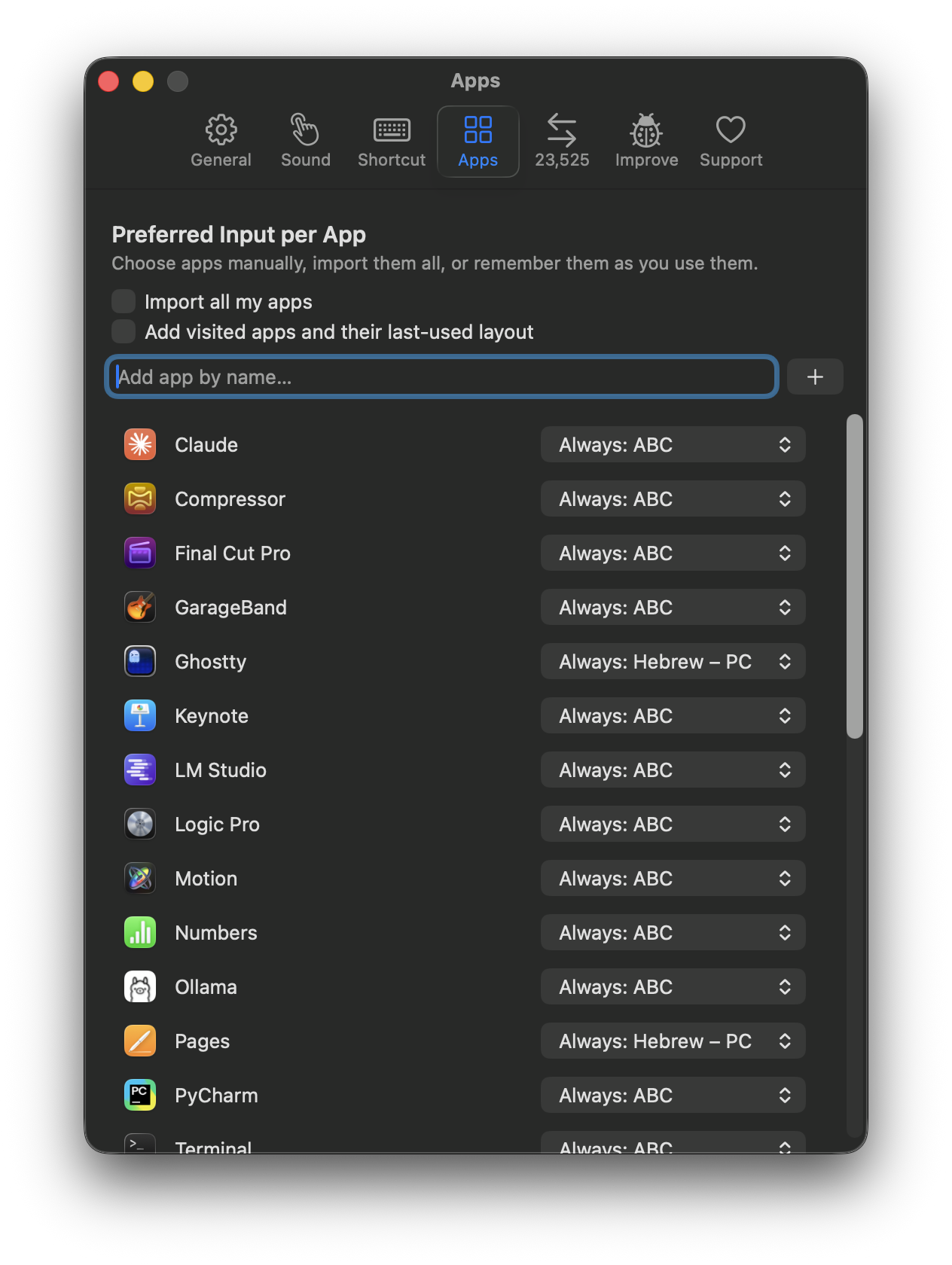
FlicKey
FlicKey remembers the input language for every app, website, browser tab and chat. If the wrong layout still slips through, it fixes the text automatically or when you press Shift twice.
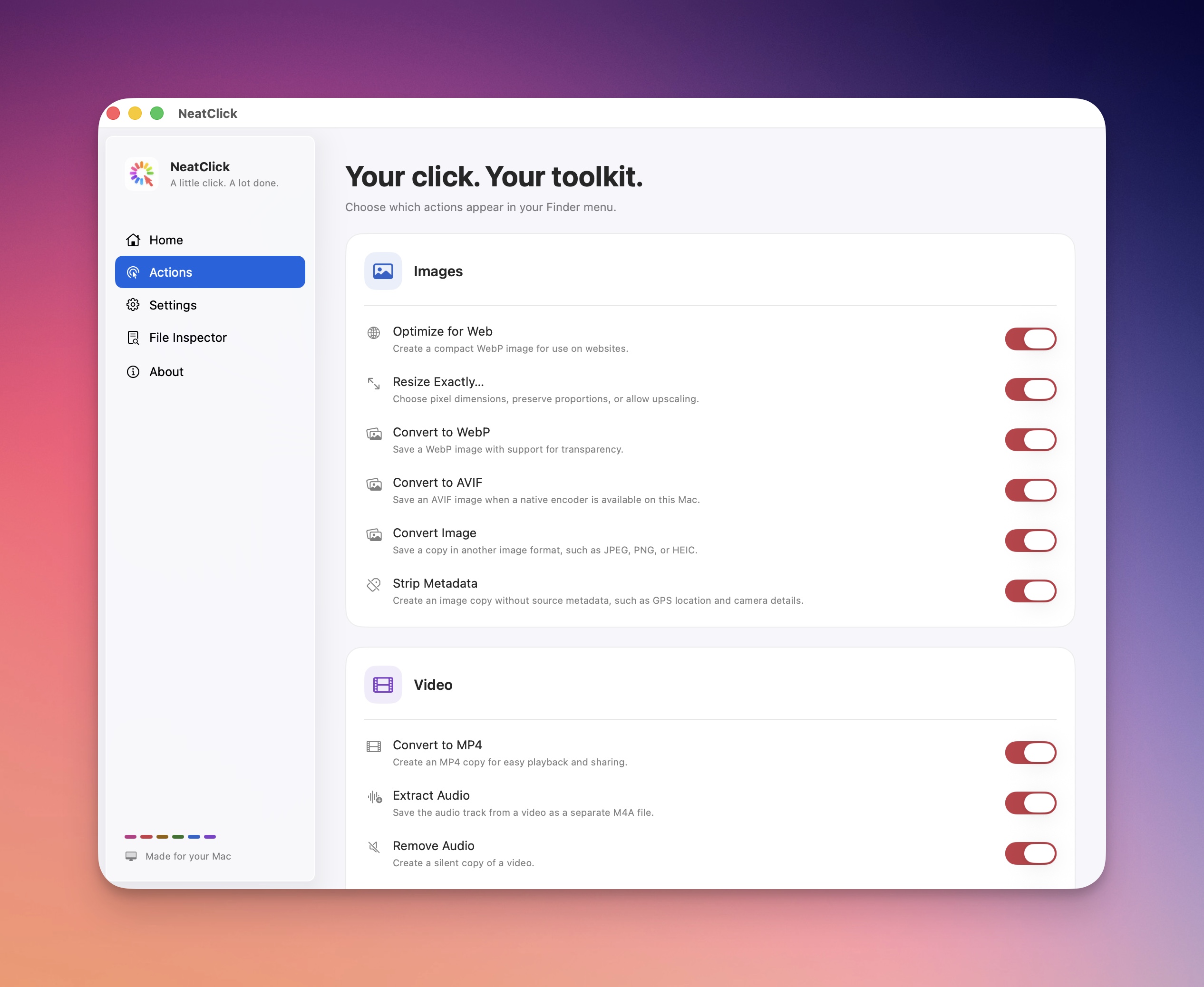

NeatClick
Useful file actions, one right-click away in Finder.
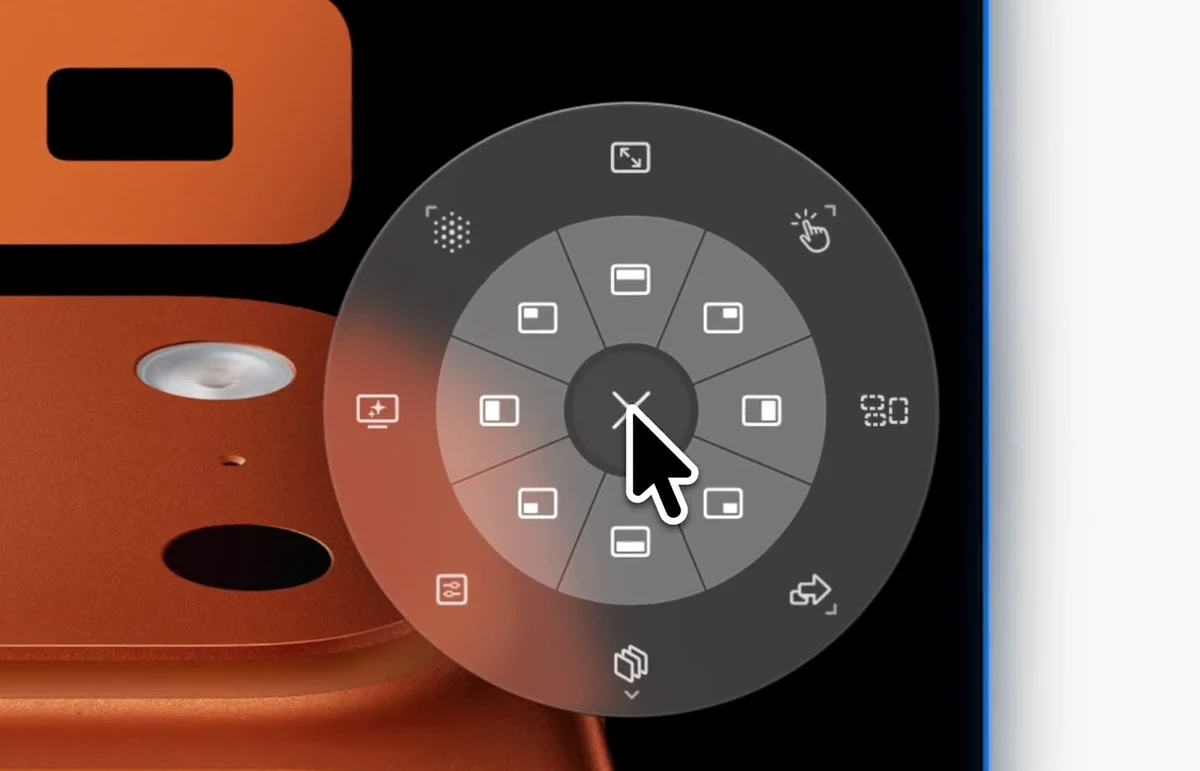

BetterStage
Mac window and workspace manager that groups apps, windows, and layouts by project, then switches the entire working context across displays.
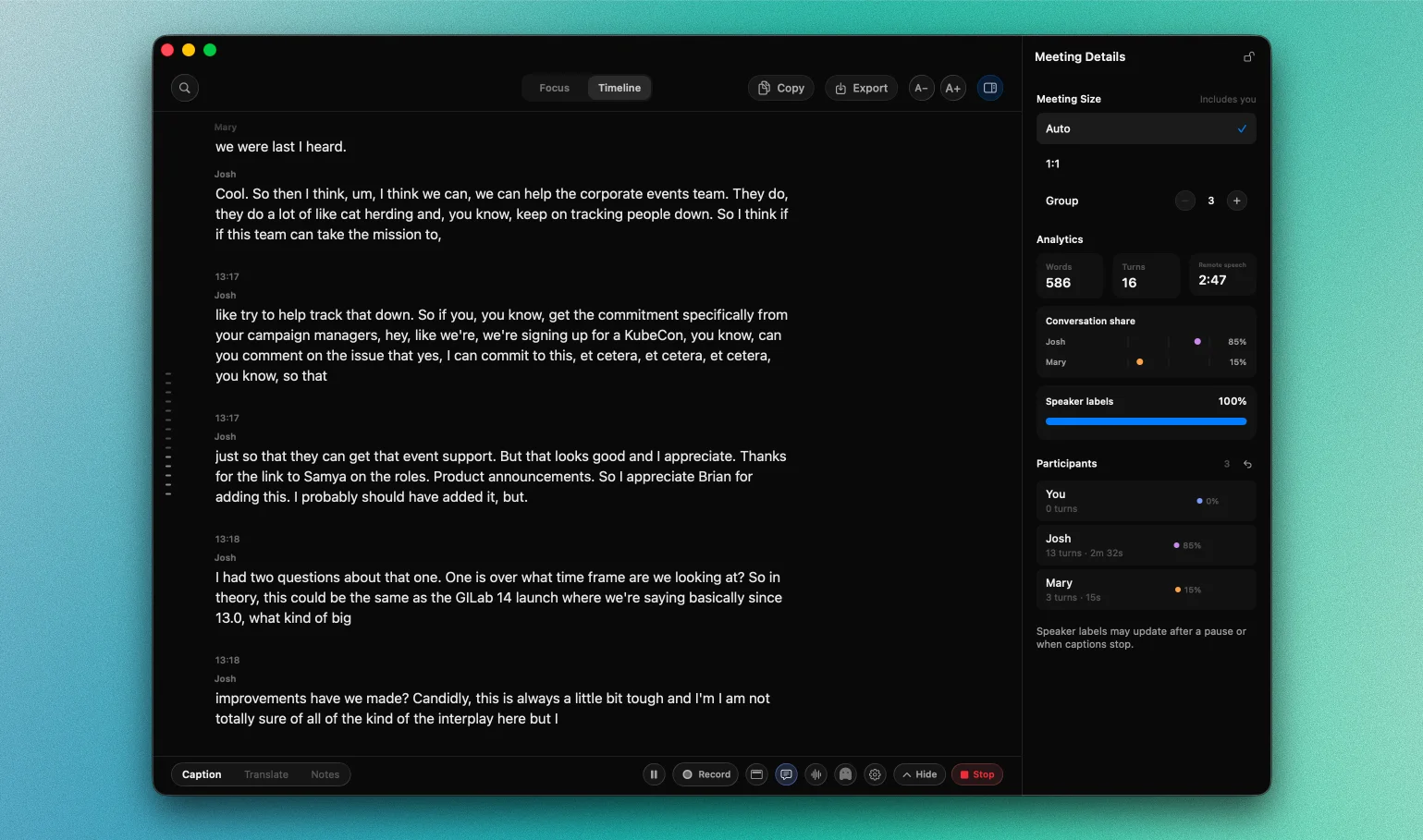

NotchLive
Live captions, dictation and local transcription for Mac. Import audio or video, replay it beside the transcript, and keep supported translations in separate tabs. Free captions; Pro is a one-time purchase.
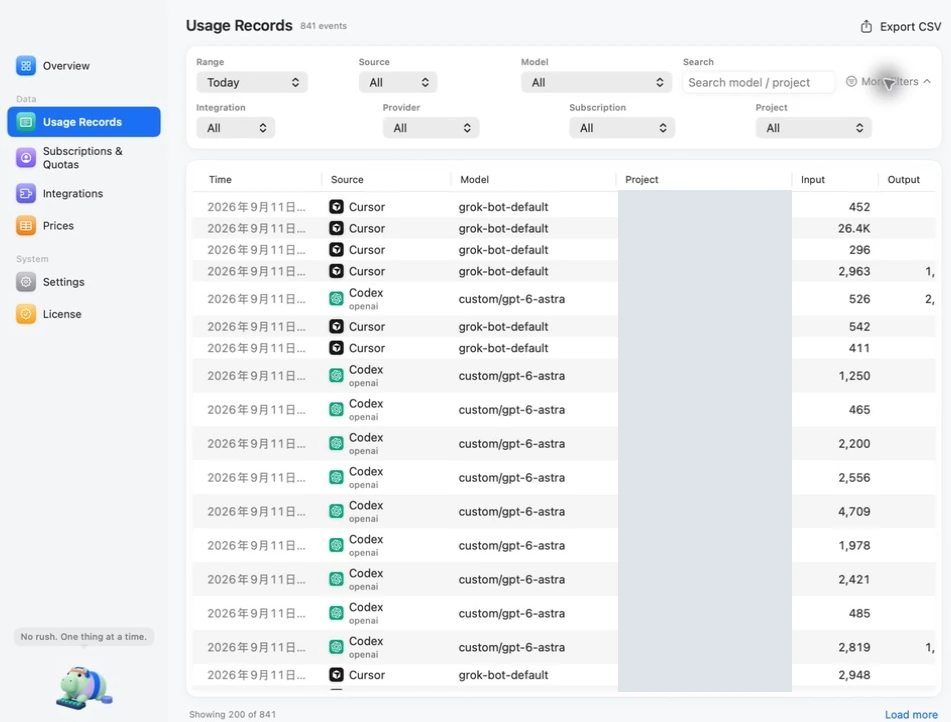
TokenTracker
A Mac menu bar companion for coding-agent activity, with a local token-usage ledger filtered by tool, model and project.


Codex Migrate
Safely moves local ChatGPT Codex conversations, settings, skills, and complete working repositories from one Mac to another.

VidMage
AI face swapping for photos, videos, GIFs, and live calls, processed locally on your Mac.


FreeFloat
Touchless Mac control using webcam hand gestures and teachable sound triggers. Move the pointer, click, drag, scroll and zoom, with hand and sound recognition on-device.

Chute
Turns your MacBook notch into an AirDrop drop zone for your iPhone — drag a file, link, text, or ⇧⌘4 thumbnail up and it sends straight over. $10 once; 7-day trial.
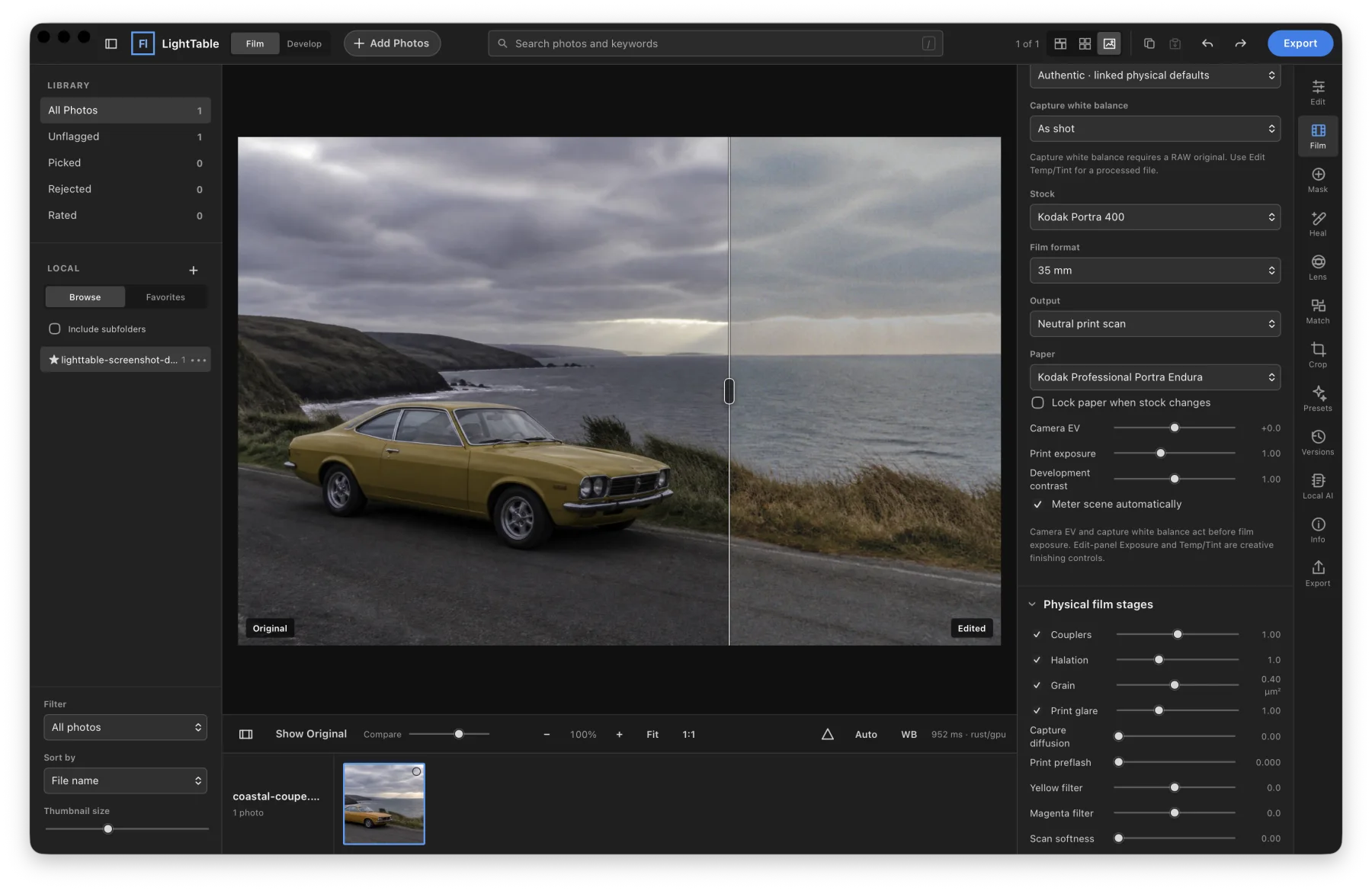
LightTable
Free, open-source RAW photo editing with physical film simulation.
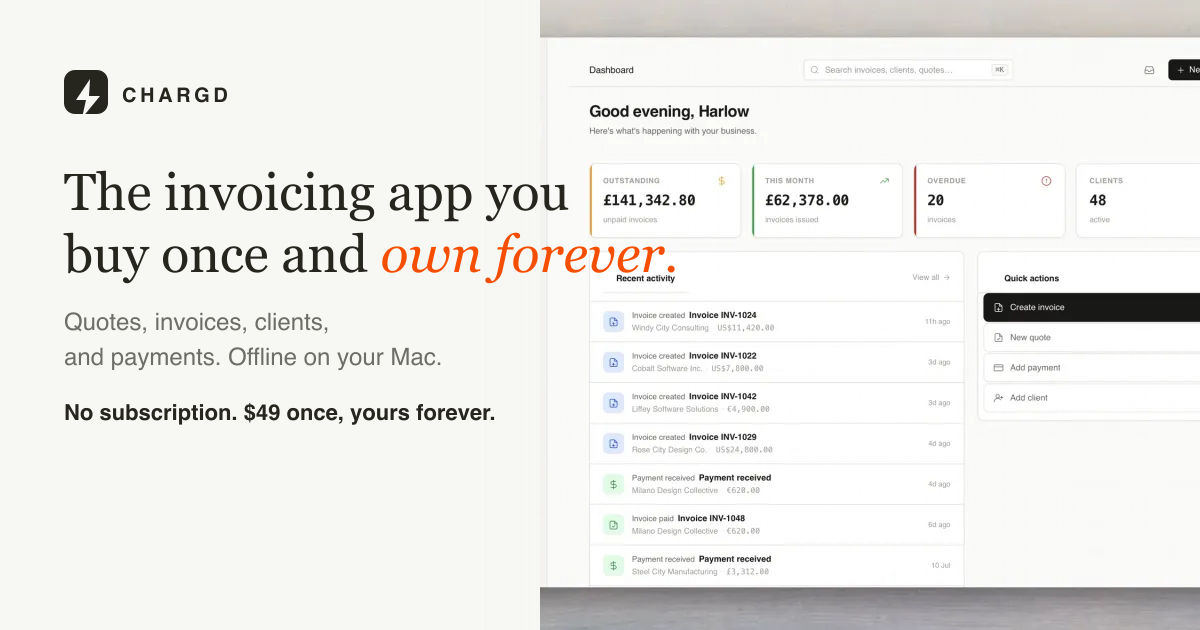

Chargd
Native Mac invoicing for freelancers and trades: create quotes and invoices offline, keep data local, and pay once for Pro. Free tier available. No accounting or card processing.

PuppyOne
PuppyOne keeps your project files and AI in one local-first workspace, so your assistants can understand the whole project, work across real files, and continue without starting from scratch.
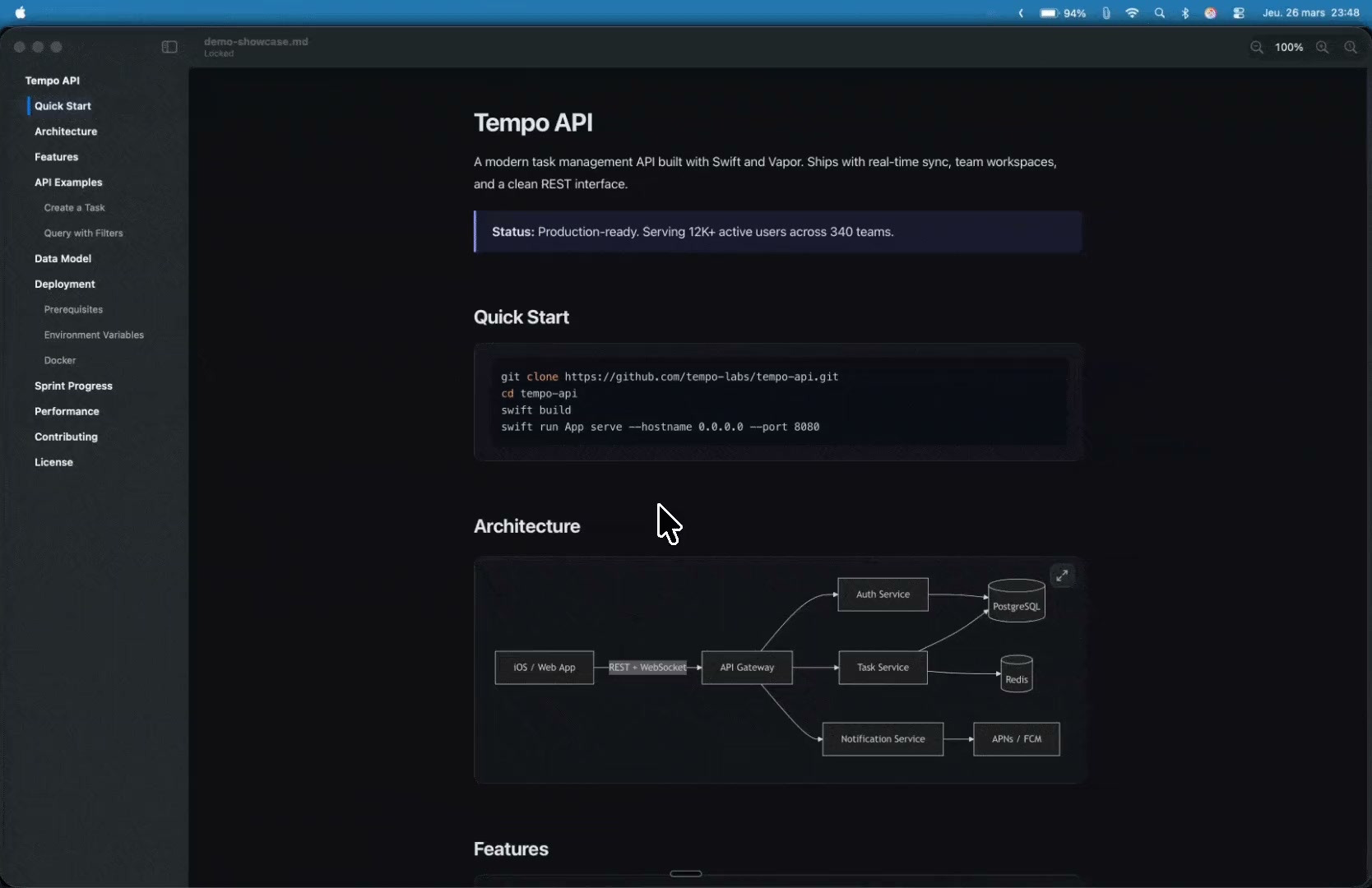

MacMD Viewer
Read-only Markdown viewer for macOS with Finder Quick Look, Mermaid diagrams, document outline and live reload.


WaveXML
Auto-sync dual-system audio to camera footage via XML
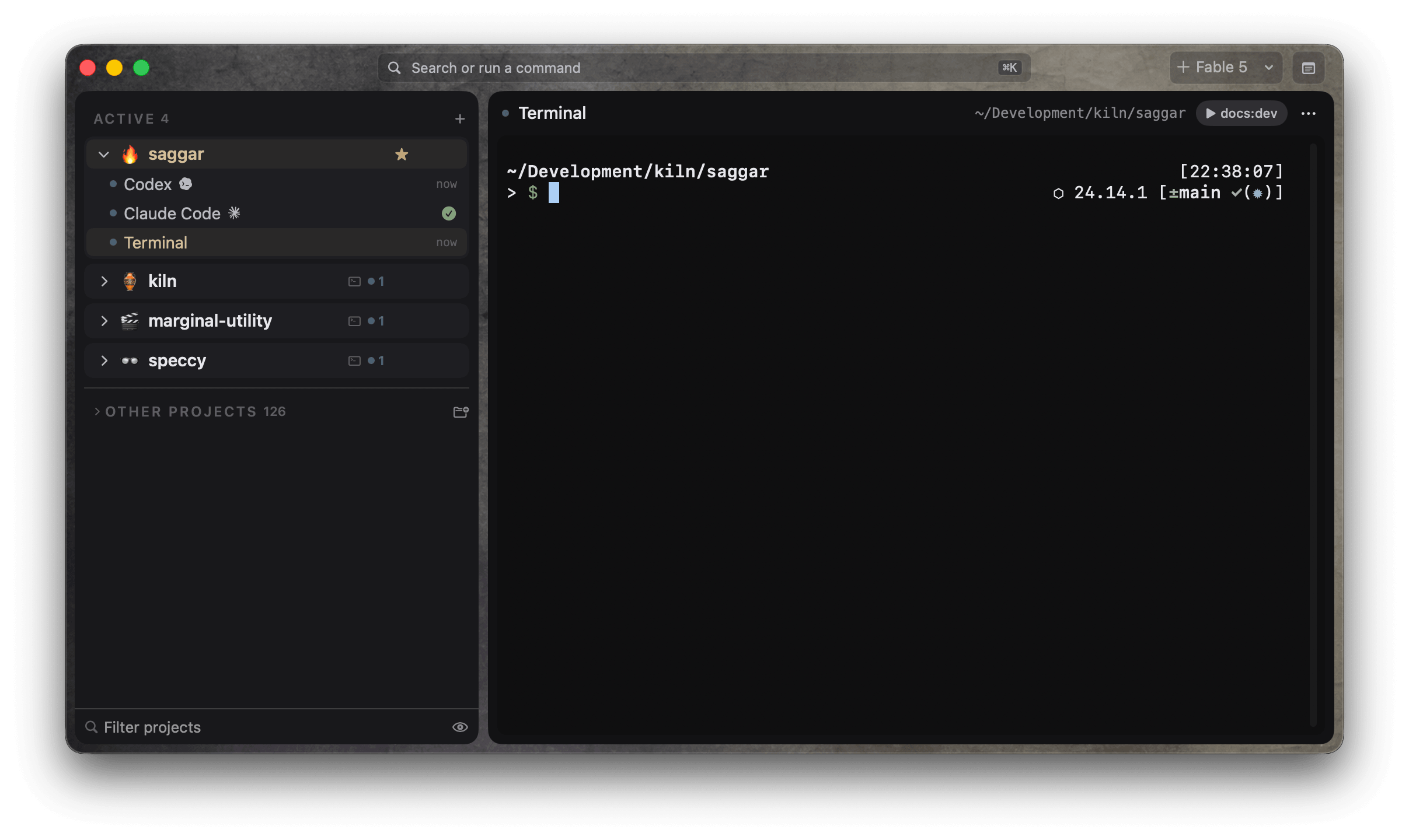

Saggar
A free native Mac terminal that organizes coding agents by project and shows which session needs you next.
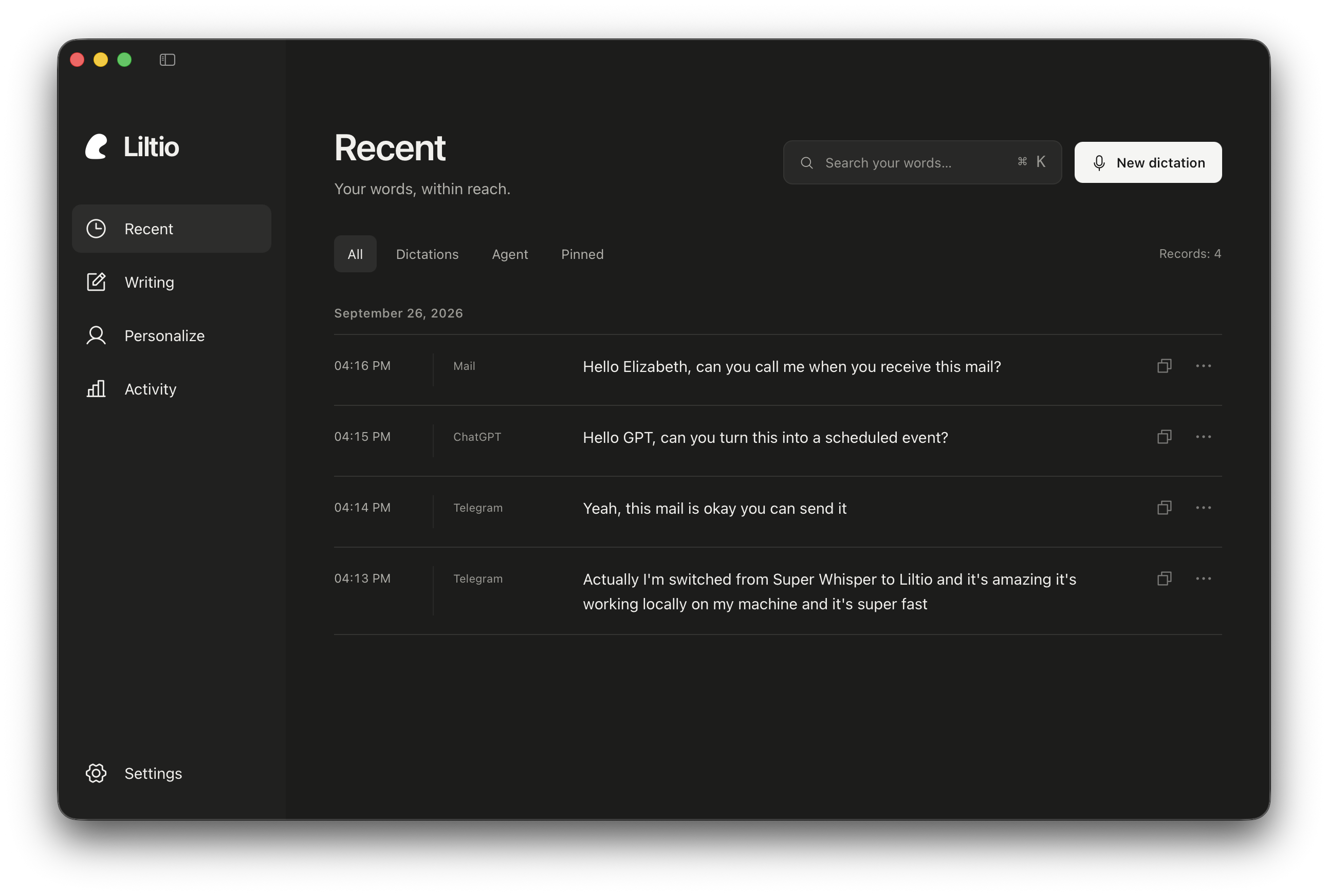

liltio
Speak to write across your Mac with on-device speech recognition.

C-SSH
Server management, SSH terminals, RDP, files and monitoring


Brief
Turn long AI text into the few lines you need

FINDmsg
Search Apple Messages and email together, locally on your Mac
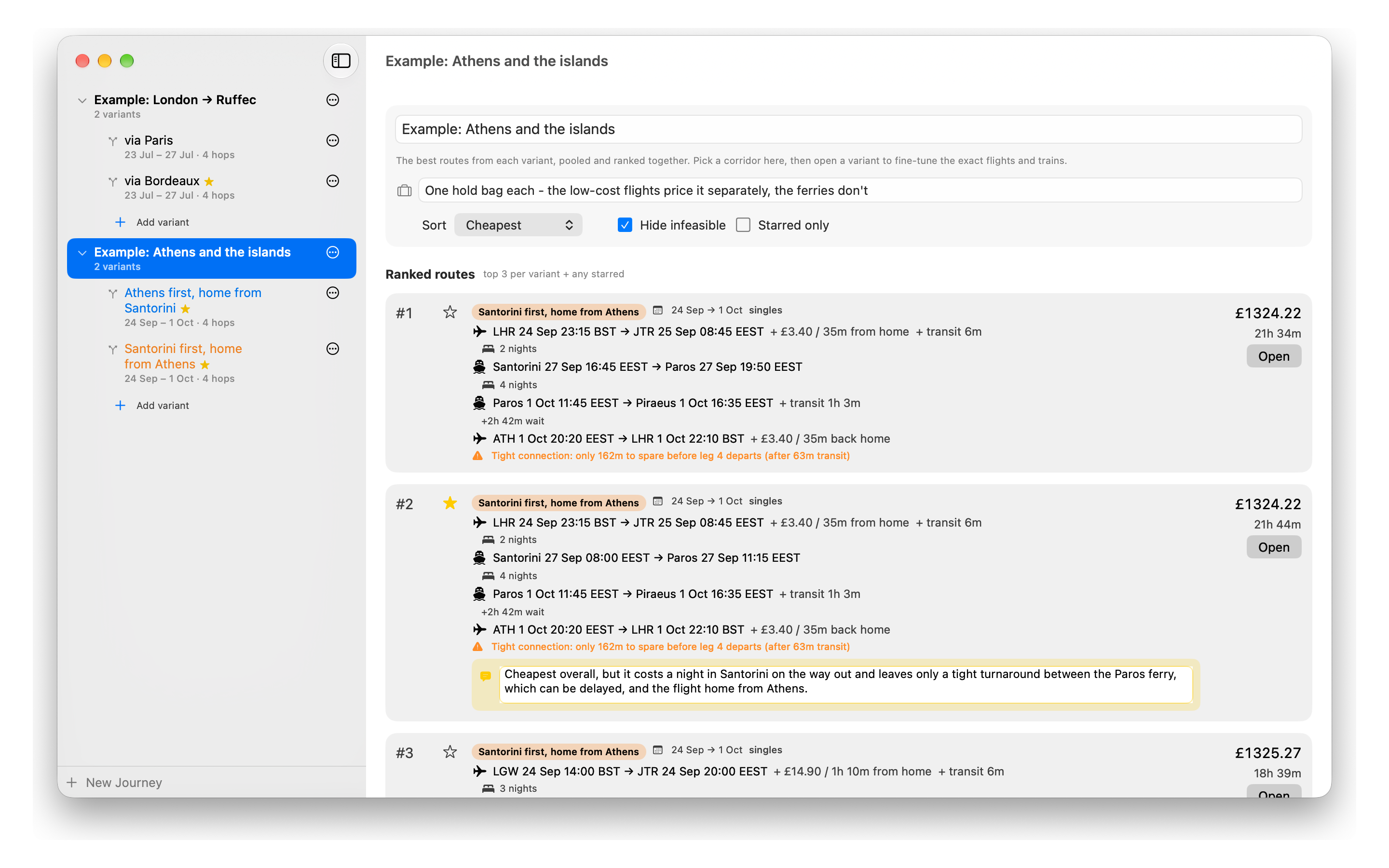
Via
Ranks all the viable permutations of a journey
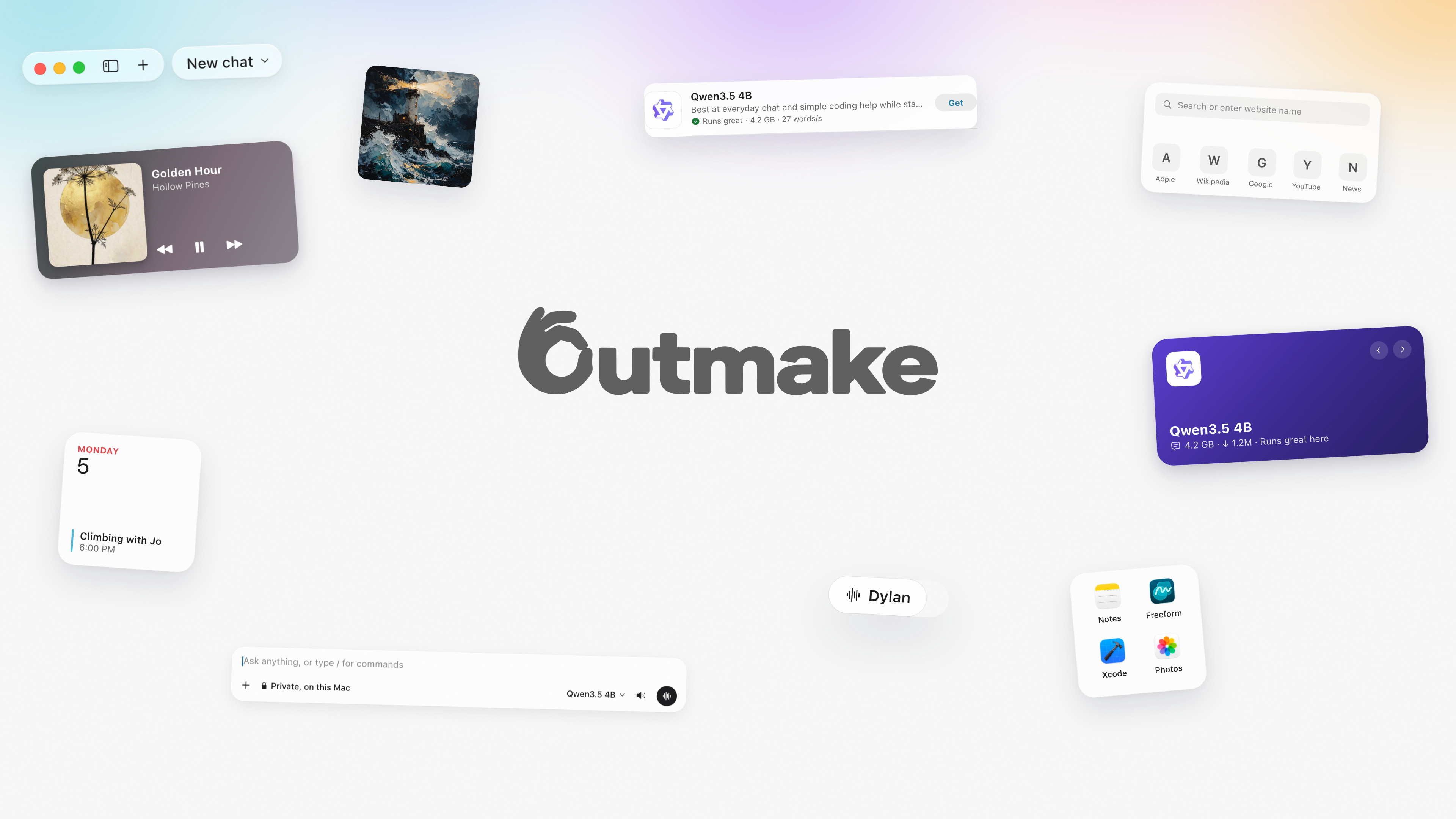

Outmake
Run local AI models on your Mac


Petit Fire
A small candle light in the corner of your Mac screen


Pudding
An AI workspace for chat, browsing, files, and creative work
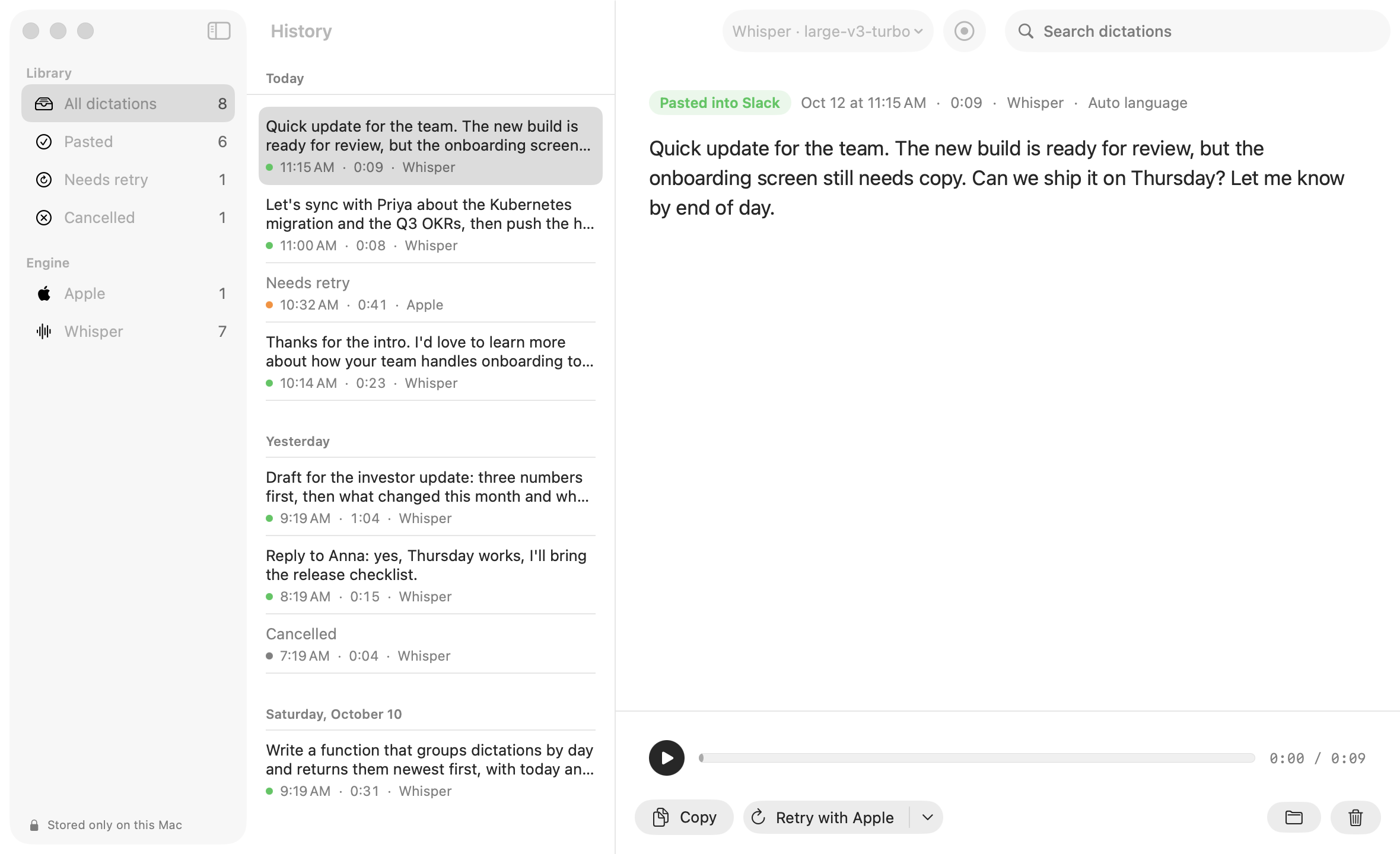
Saypad
Hold fn, talk, and your words are pasted into any Mac app. Free, offline.
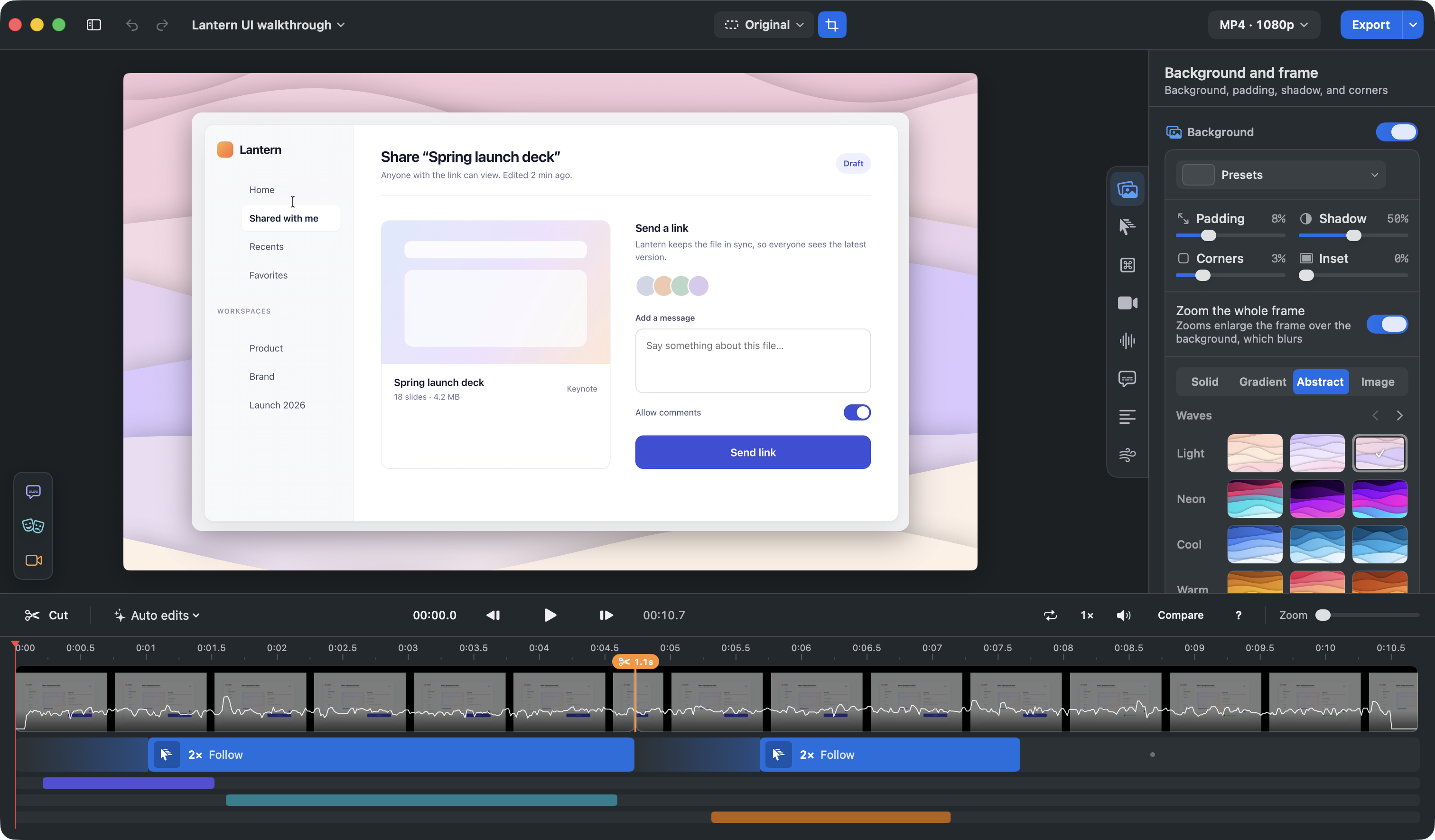
SimplyShot
Precise screenshots and polished screen recordings for Mac

WeMotion
Free AI motion studio for Mac: describe a film, then direct it frame by frame
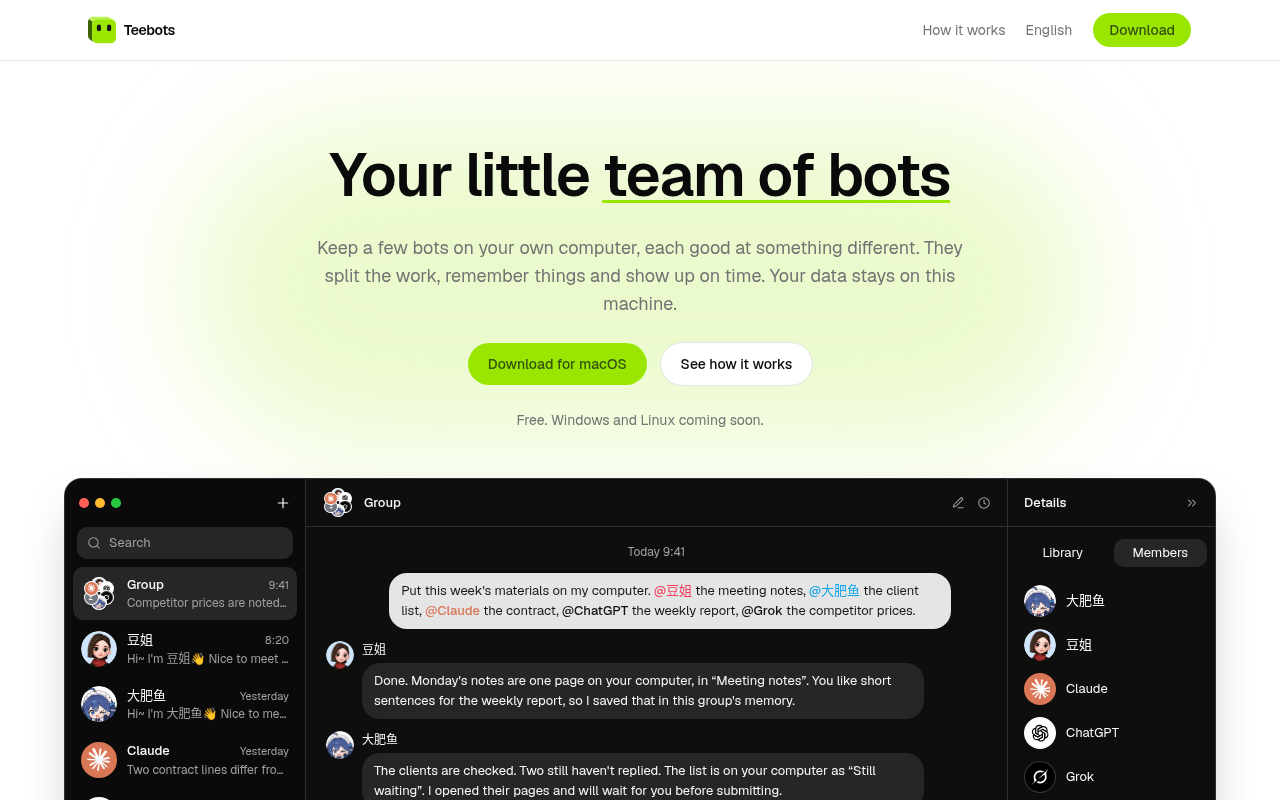

Teebots
Your little team of AI bots, on your own Mac
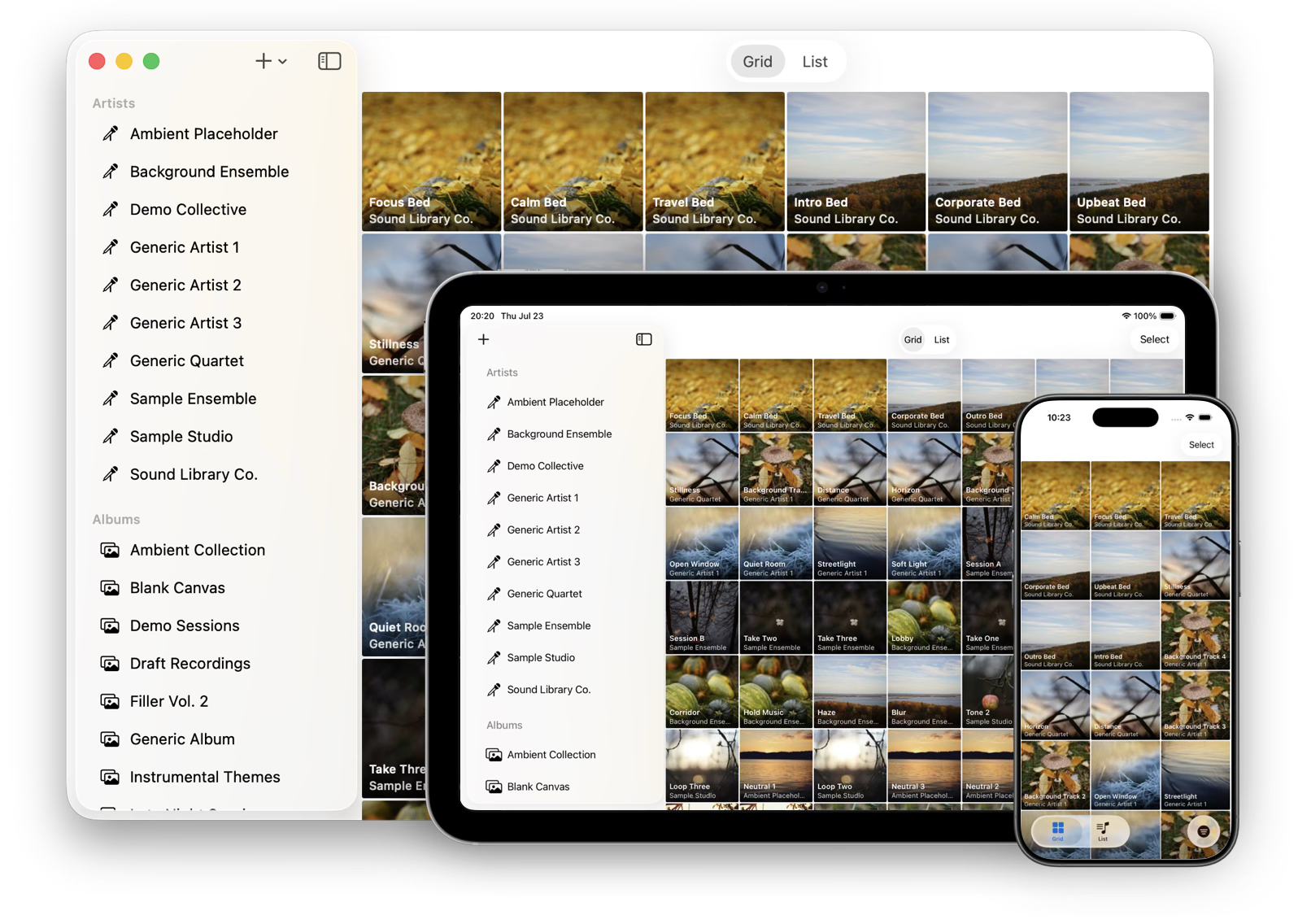
Raza Songs
Play the music on your Mac from anywhere in your home.


Sitemoth
Desktop SEO crawler with JavaScript rendering and a free MCP server
About Best free Mac apps.
Free Mac apps do not have to mean limited demos or abandoned utilities. This directory focuses on software you can keep using without a countdown: open-source tools, independent apps supported by optional upgrades, and focused utilities whose complete core feature is genuinely free.
Start with the problem you want to remove rather than installing a generic bundle. A free window manager, media player, uninstaller, menu bar calendar, or developer utility can often match paid alternatives because the job is narrow and the Mac community has maintained excellent open-source options for years.
Questions
What are the best completely free Mac apps?
Strong free choices include Rectangle for window management, AppCleaner for uninstalling software, IINA and VLC for media playback, Itsycal for a menu bar calendar, and HandBrake for video conversion. Availability can change, so every listing includes a last-checked date where available.
Are these free Mac apps safe?
The library links to the developer's official website and labels open-source apps when their code can be inspected. You should still confirm the download source, macOS permissions, and signing information before installing any utility.
What is the difference between free and freemium?
Free apps provide their listed core experience without payment. Freemium apps have a usable free tier but reserve some features, capacity, or services for a paid upgrade. This page only includes apps currently labeled Free.