
Best Developer Tools for Mac.
44 apps of 402
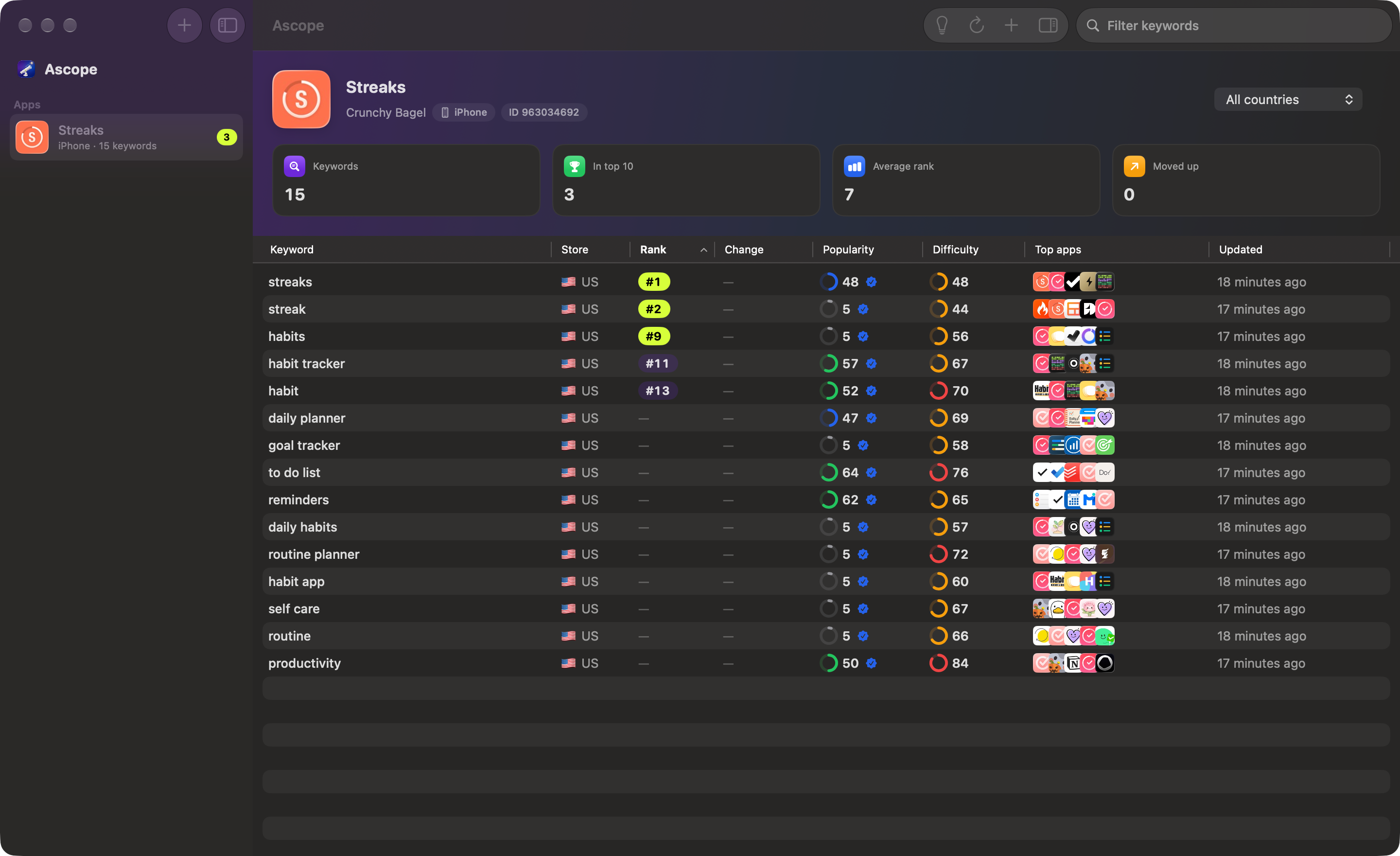

Ascope
App Store keyword rank tracking, with Apple's own popularity scores
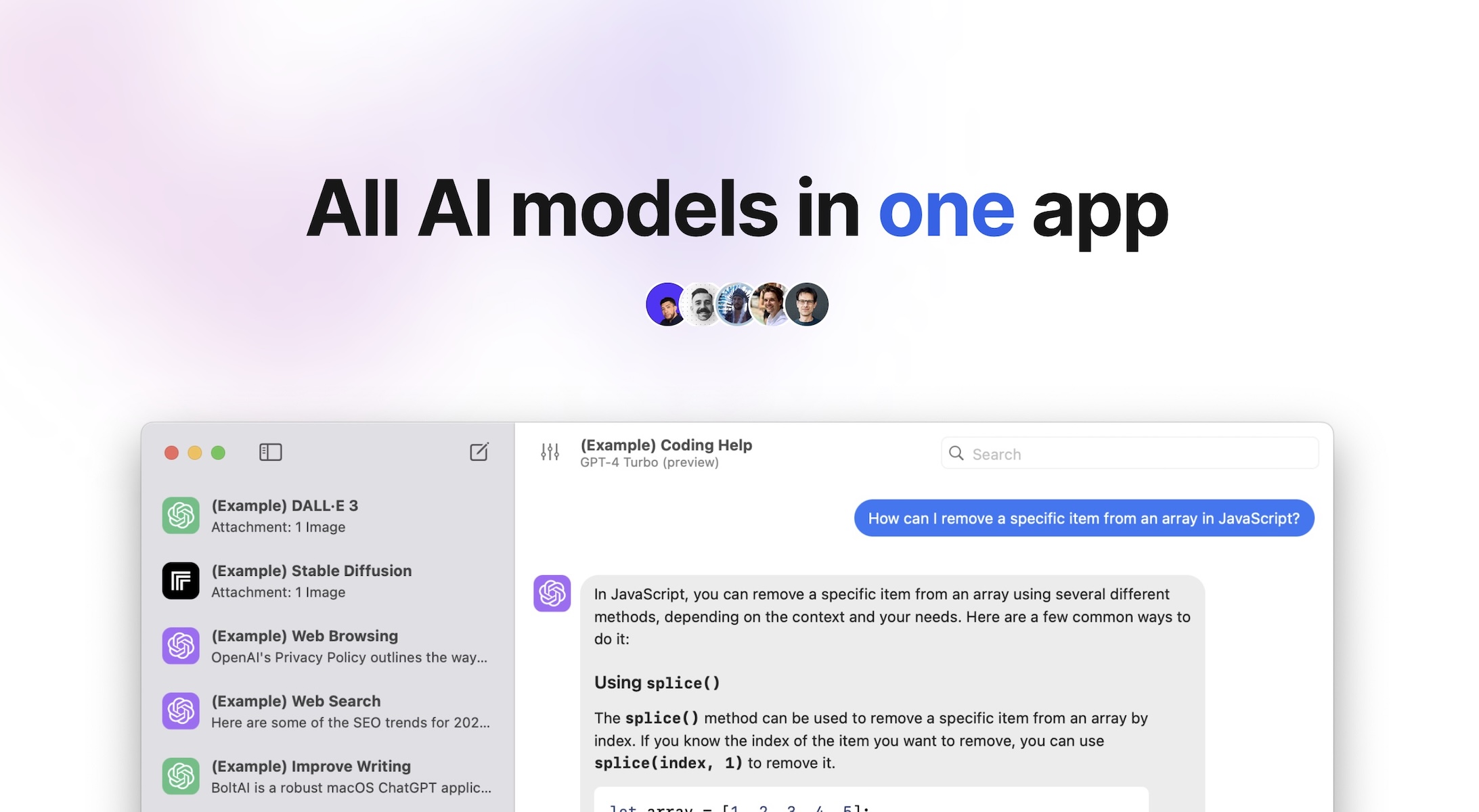

BoltAI
The best AI client for Mac
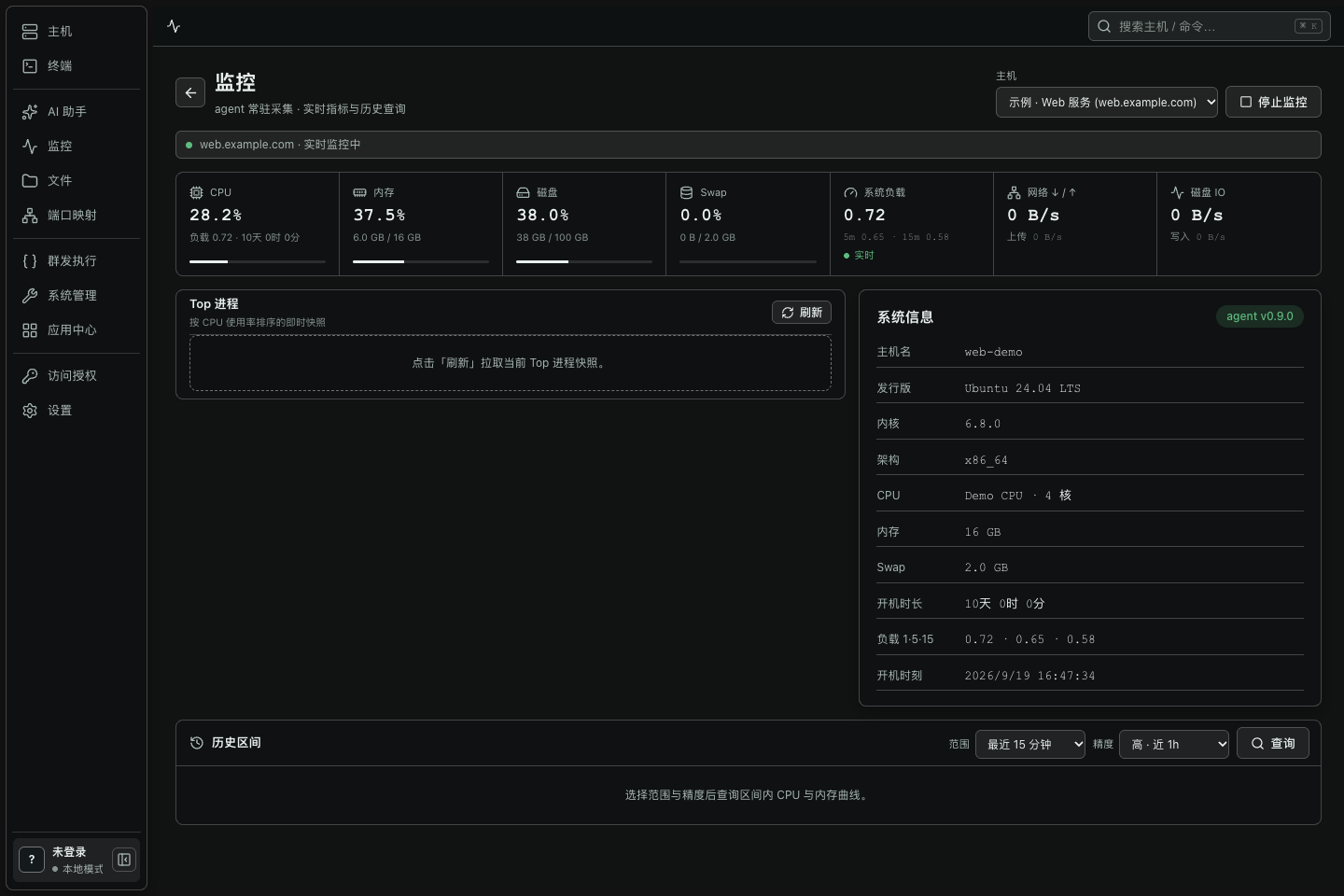
C-SSH
Server management, SSH terminals, RDP, files and monitoring
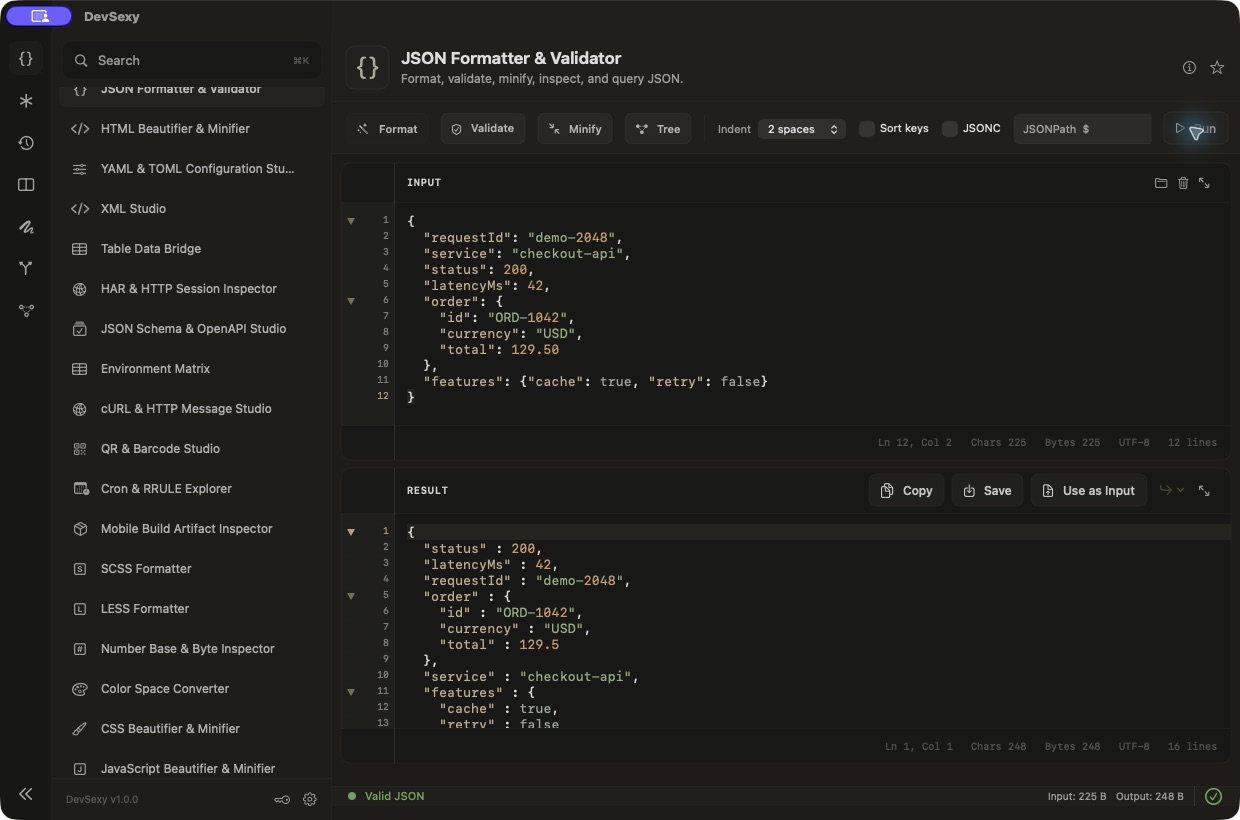
DevSexy
Offline Mac developer tools: JSON, JWT, Base64 and Option shortcuts
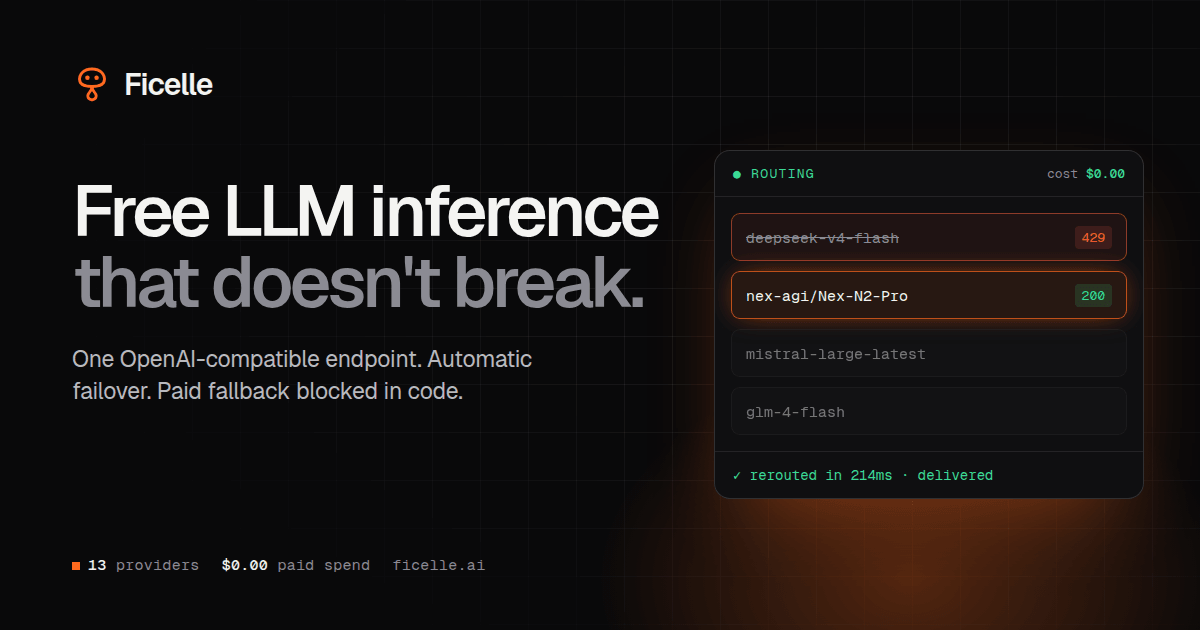
Ficelle
Local OpenAI-compatible router for free LLM tiers, with automatic failover.
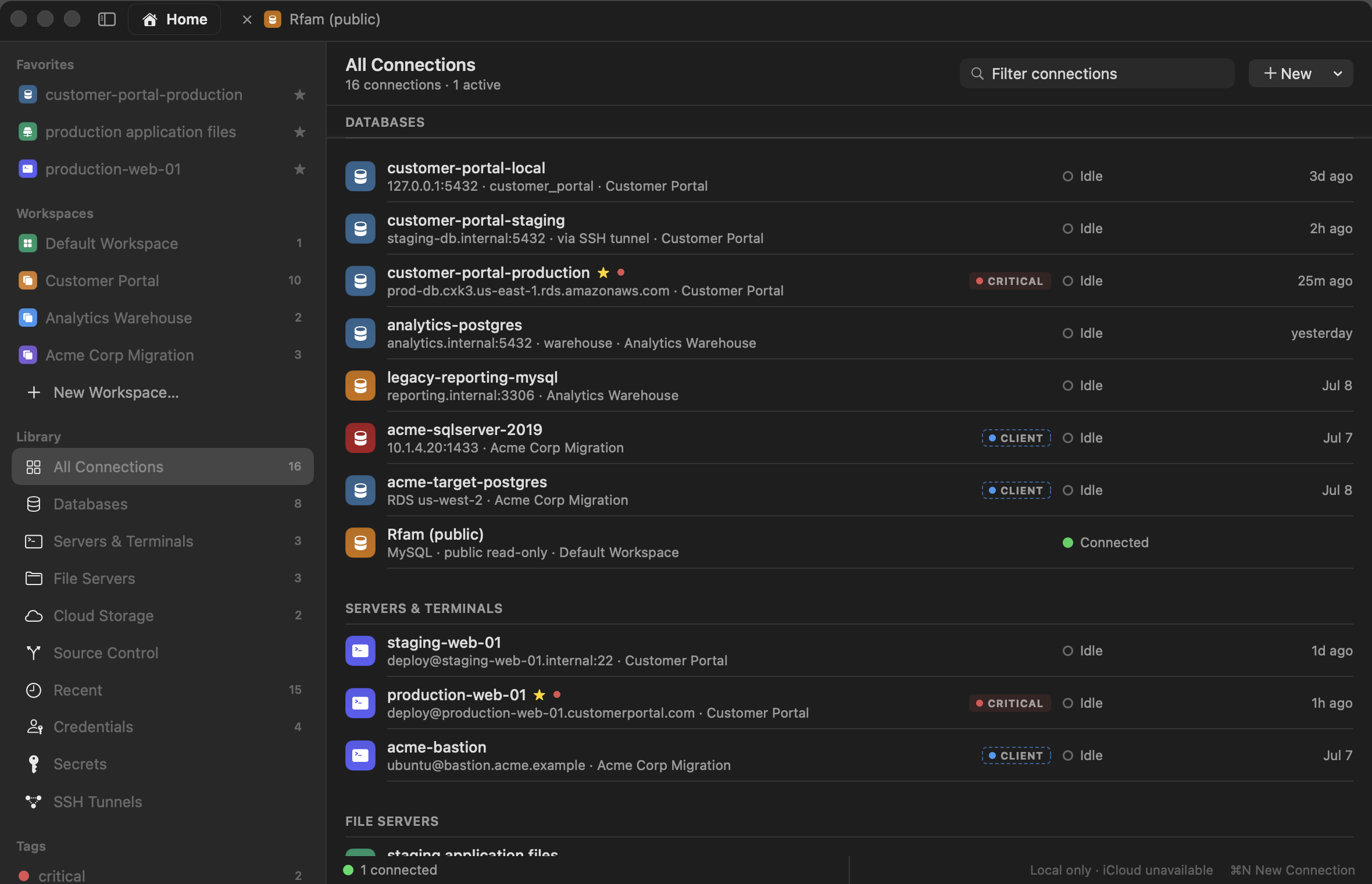

Hydra Dev Studio
Databases, file servers, Git and SSH in one native Mac window.
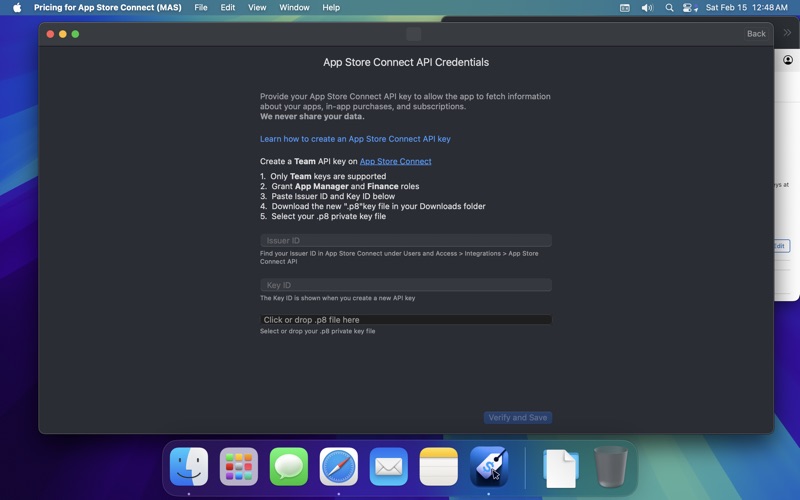

IAP Buddy
See and change App Store prices for apps, IAPs and subscriptions on one screen


Lid Keeper
Open-source menu bar utility that keeps long downloads, builds, and local jobs running when a MacBook lid closes.
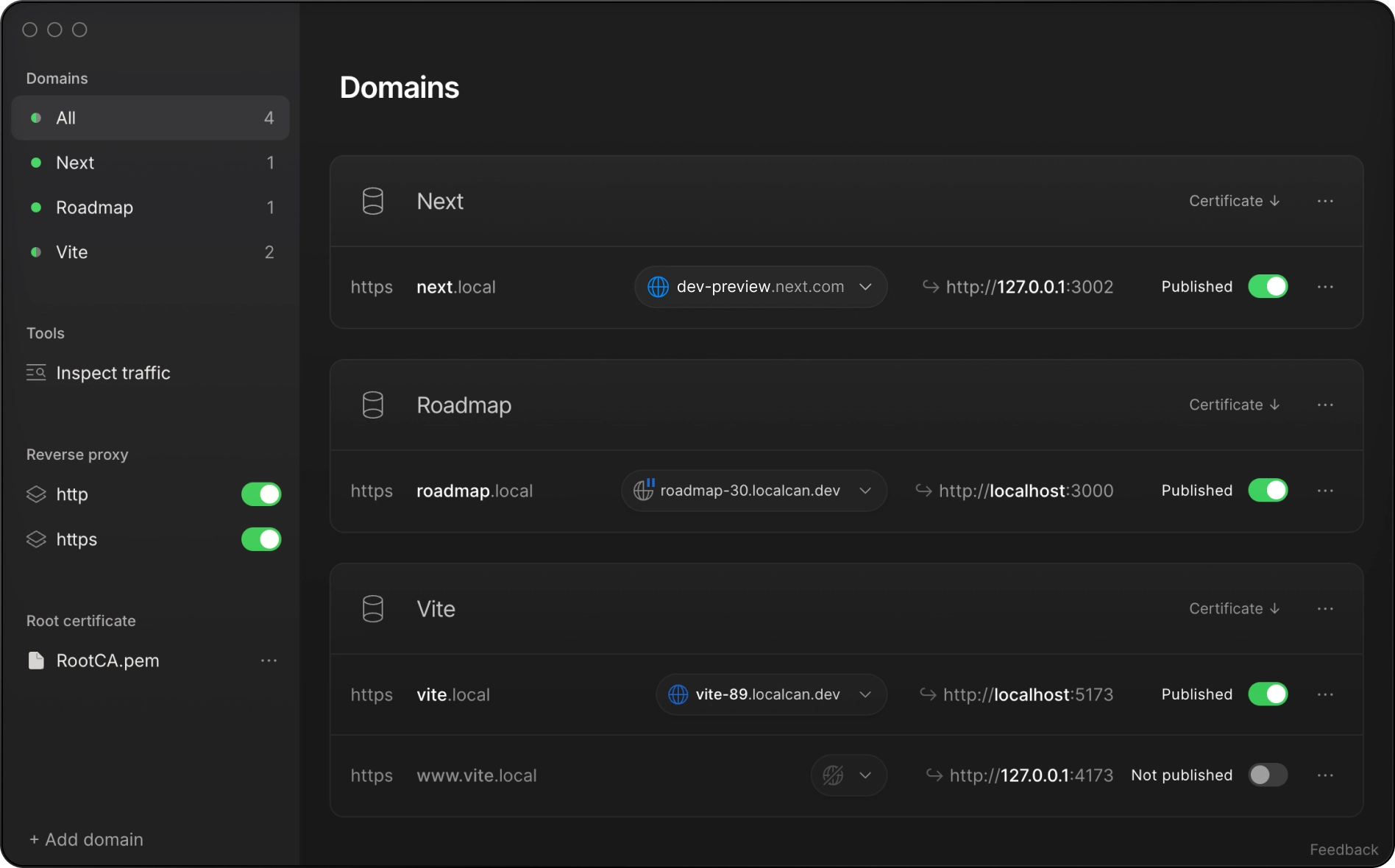
LocalCan
Local domains and persistent Public URLs
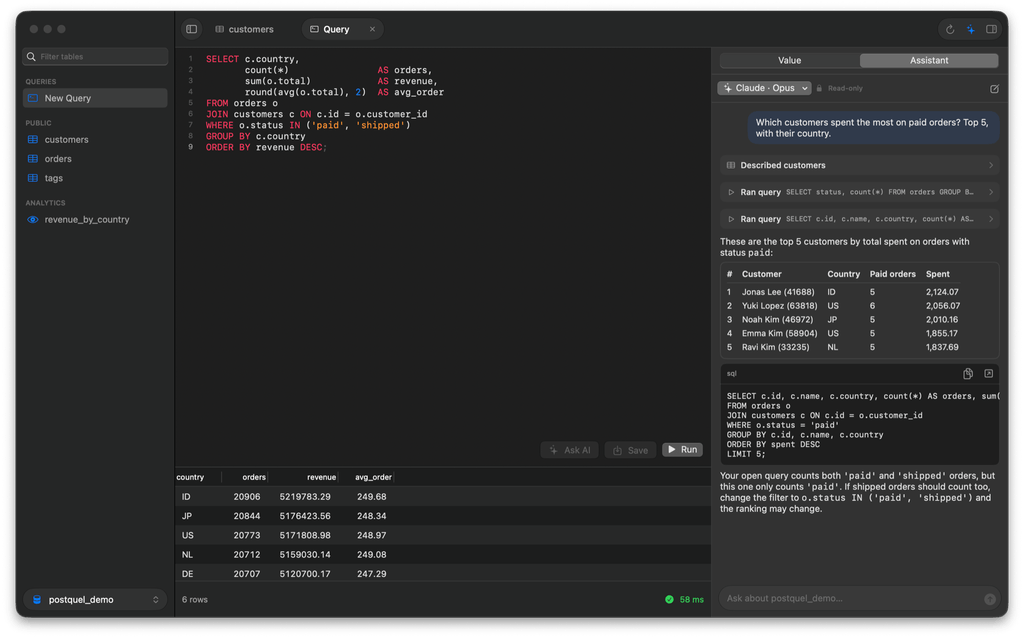

Postquel
Native PostgreSQL client for macOS with optional bring-your-own AI
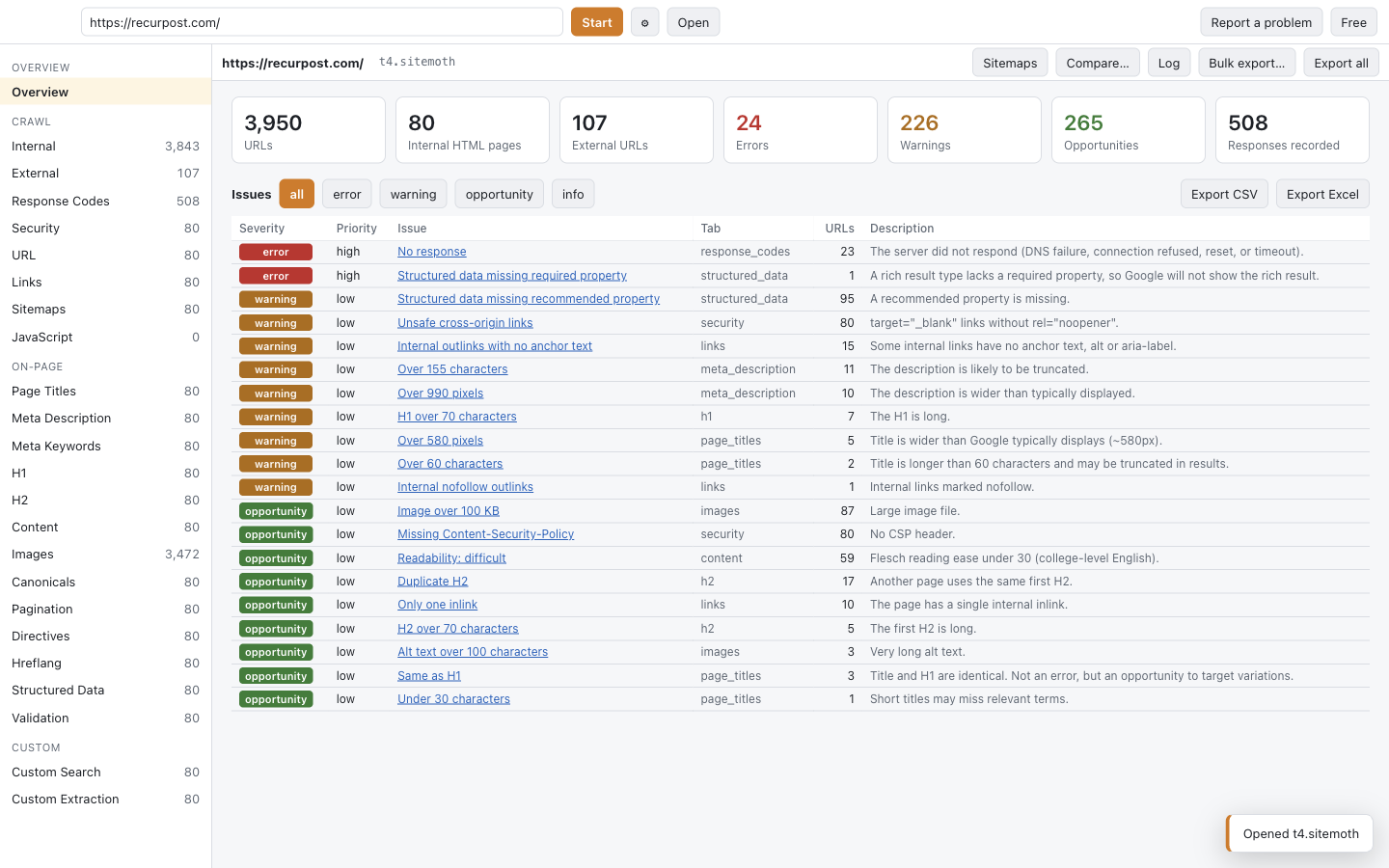

Sitemoth
Desktop SEO crawler with JavaScript rendering and a free MCP server
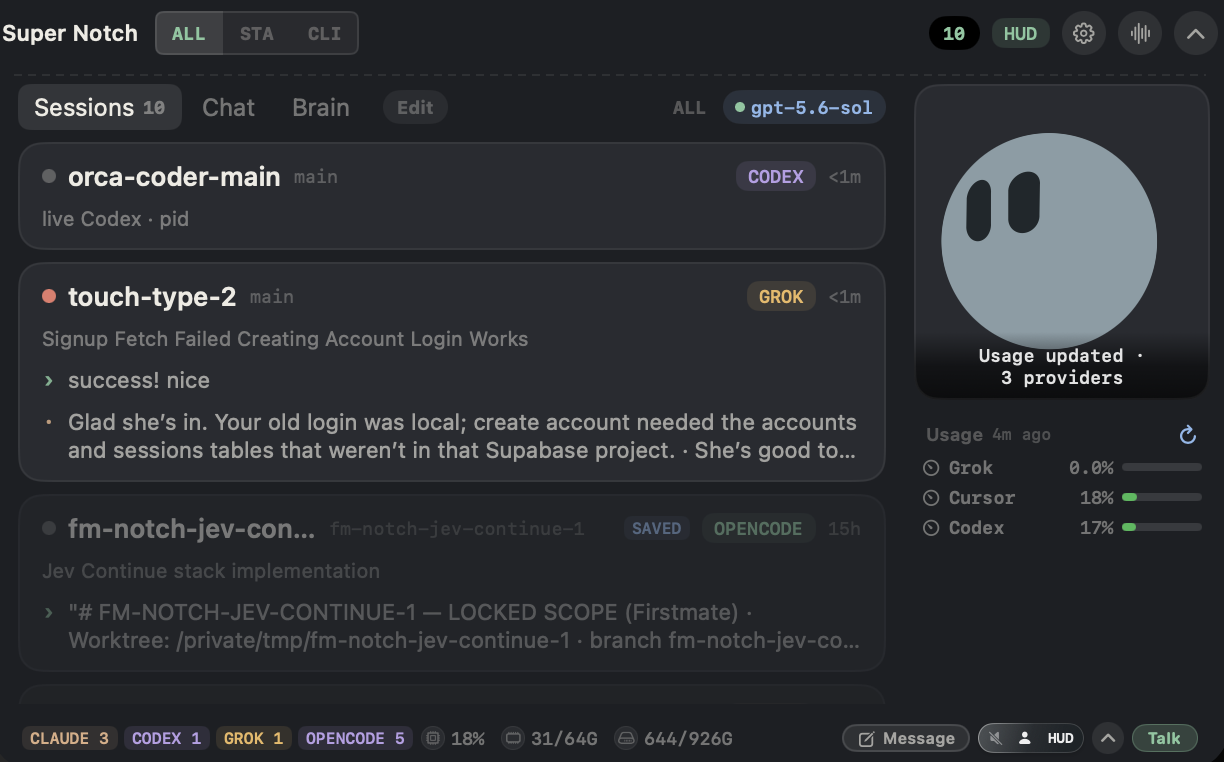
Super Notch
AI agent session manager in the MacBook notch, with on-device dictation
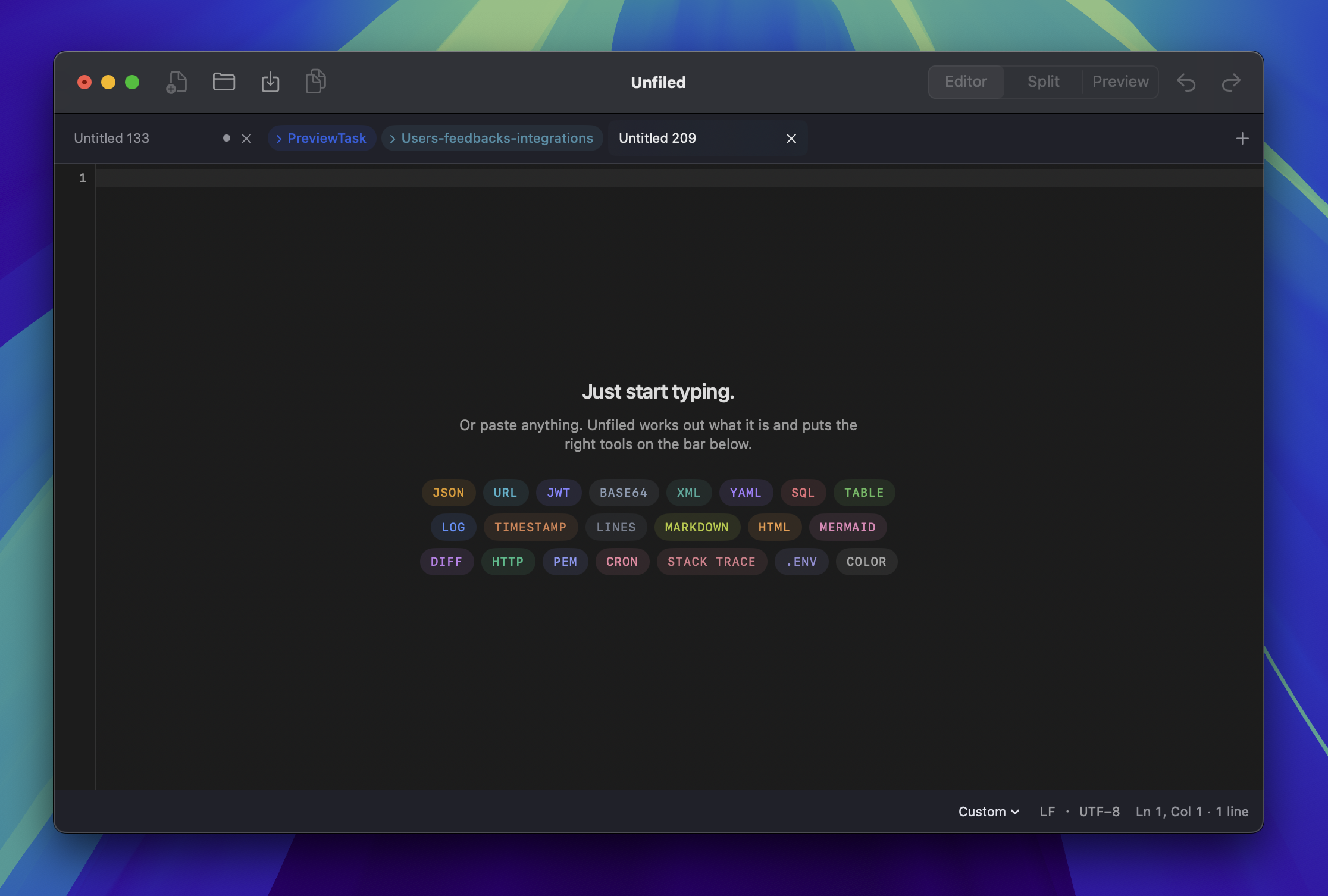
Unfiled
A native Mac text workbench that understands what you paste.


Vexilo Code
See what each Claude Code skill and agent costs per turn
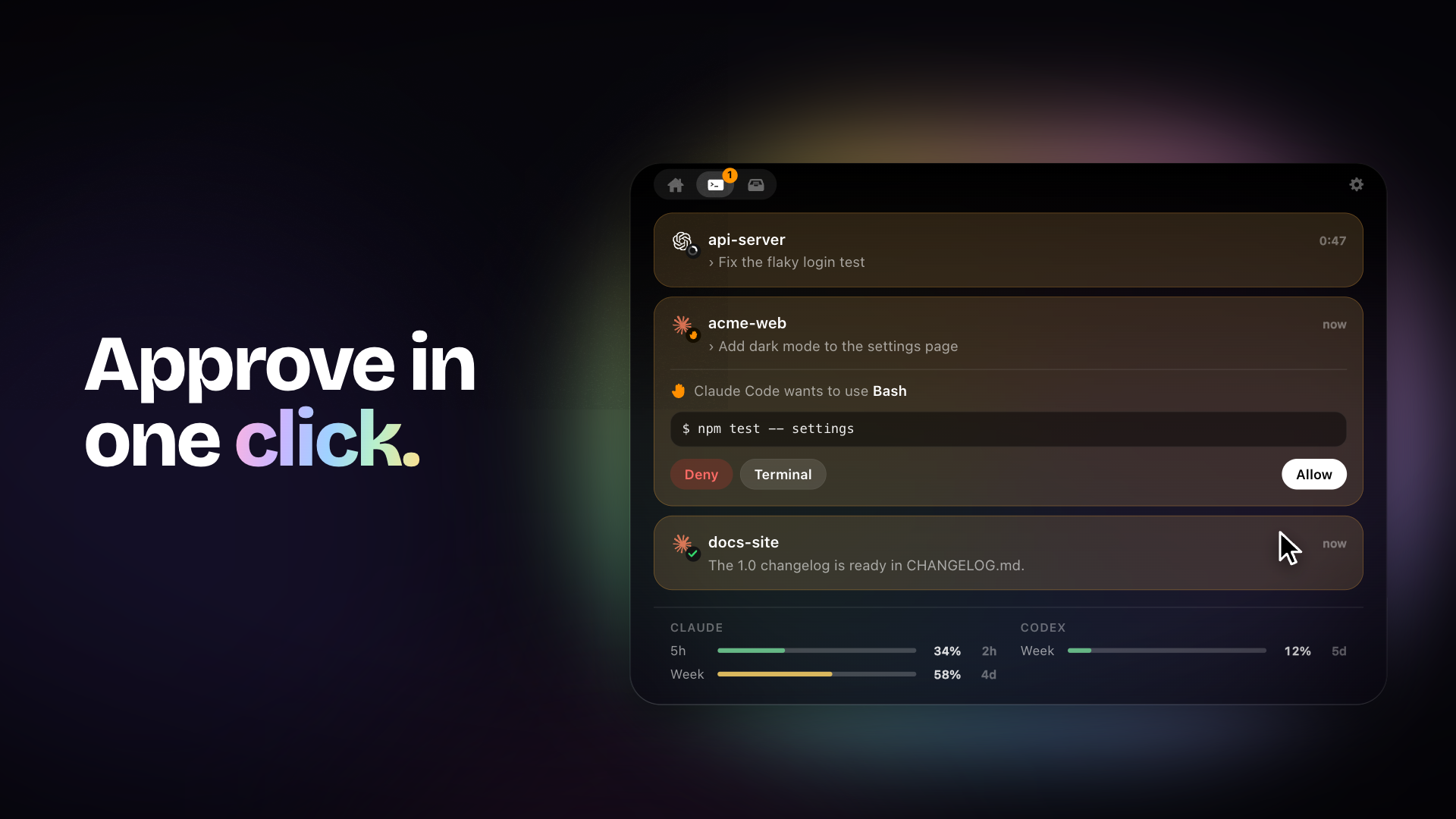
Vibeclove
Your AI coding agents in the MacBook notch.
Affinity
All the design and photo editing tools you need in one app–for free
BucketMate
Native S3 GUI Client for macOS
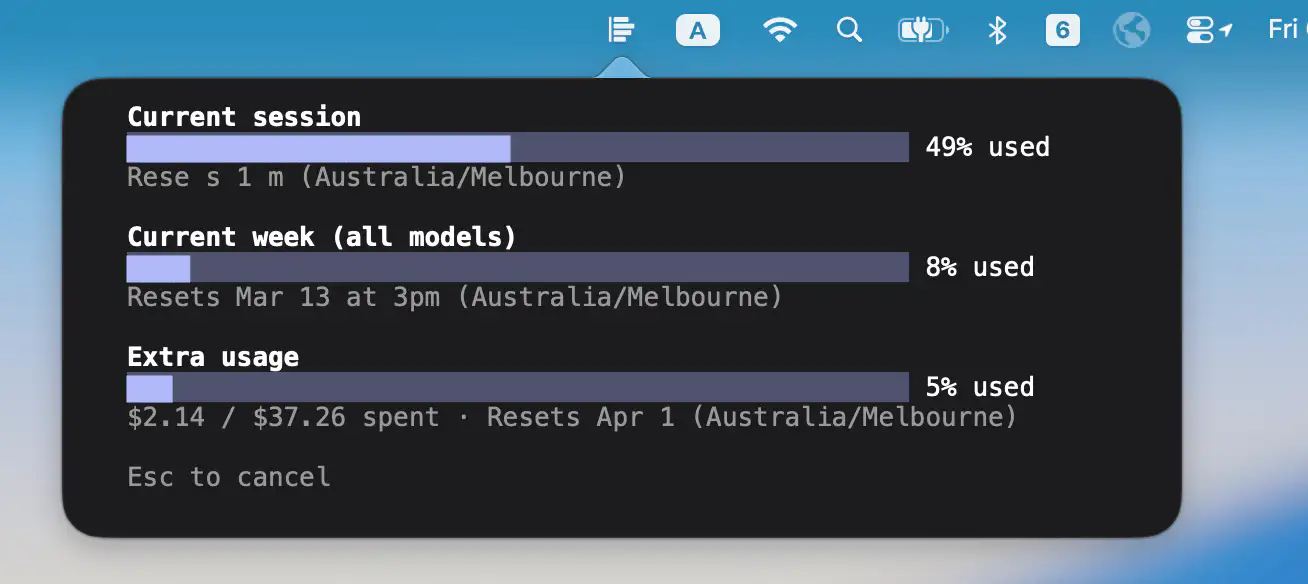
CC Usage Bar
Switch between multiple Claude Code accounts instantly, without the usual logout ritual or browser detours. See live usage and rate limits, keep credentials secure, stay in flow.
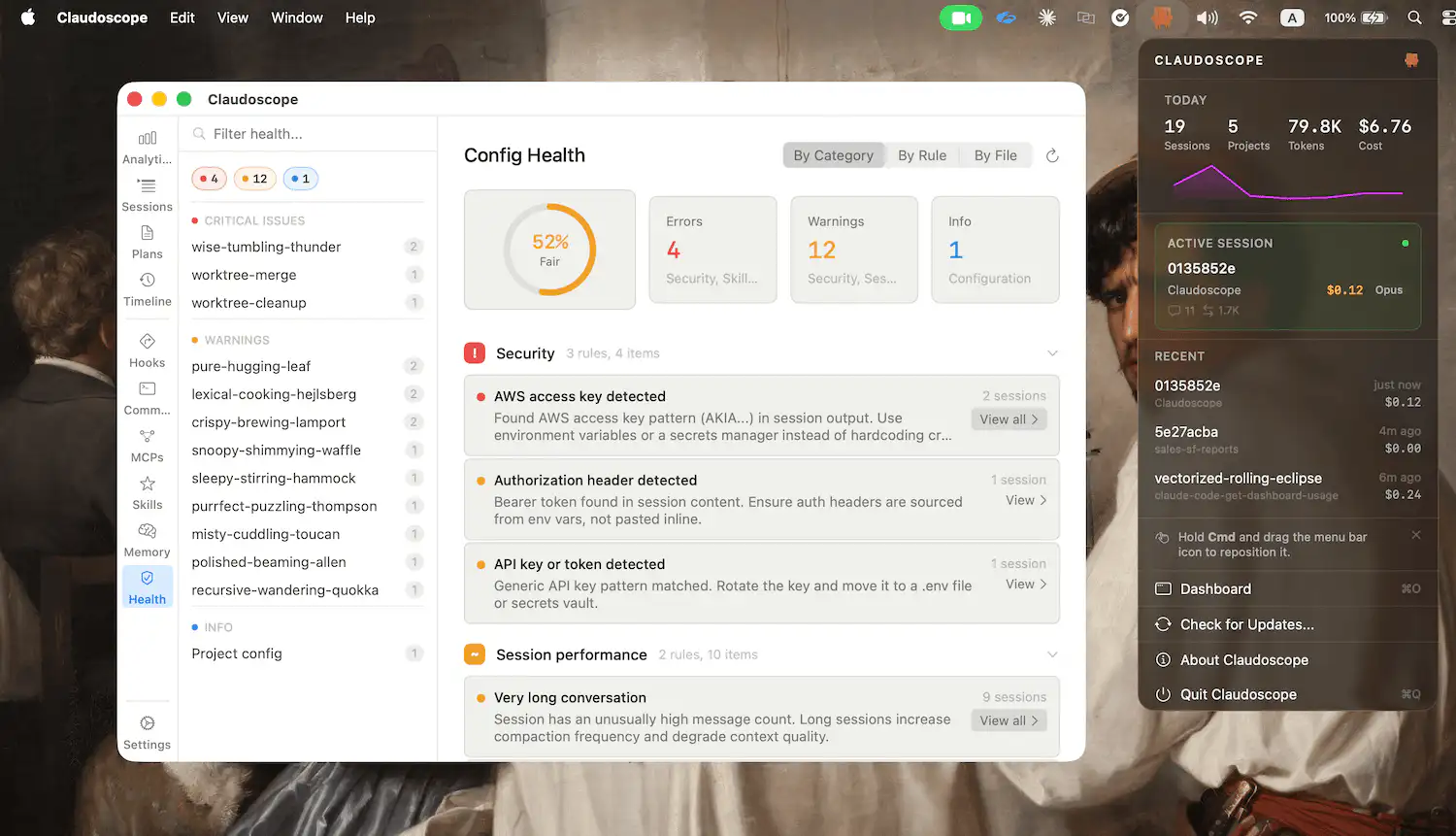
Claudoscope
Gives developers a clear, real-time view of their Claude Code sessions, tracking usage, costs, and history while scanning for leaked credentials, all locally with zero telemetry.
DevUtils
All-in-one offline toolbox for developers (42+ tools)
FFmpeg
A complete, cross-platform solution to record, convert and stream audio and video

FileZilla
Transfer files over FTP, FTPS, and SFTP with a cross-platform desktop client.
GIMP
An acronym for GNU Image Manipulation Program
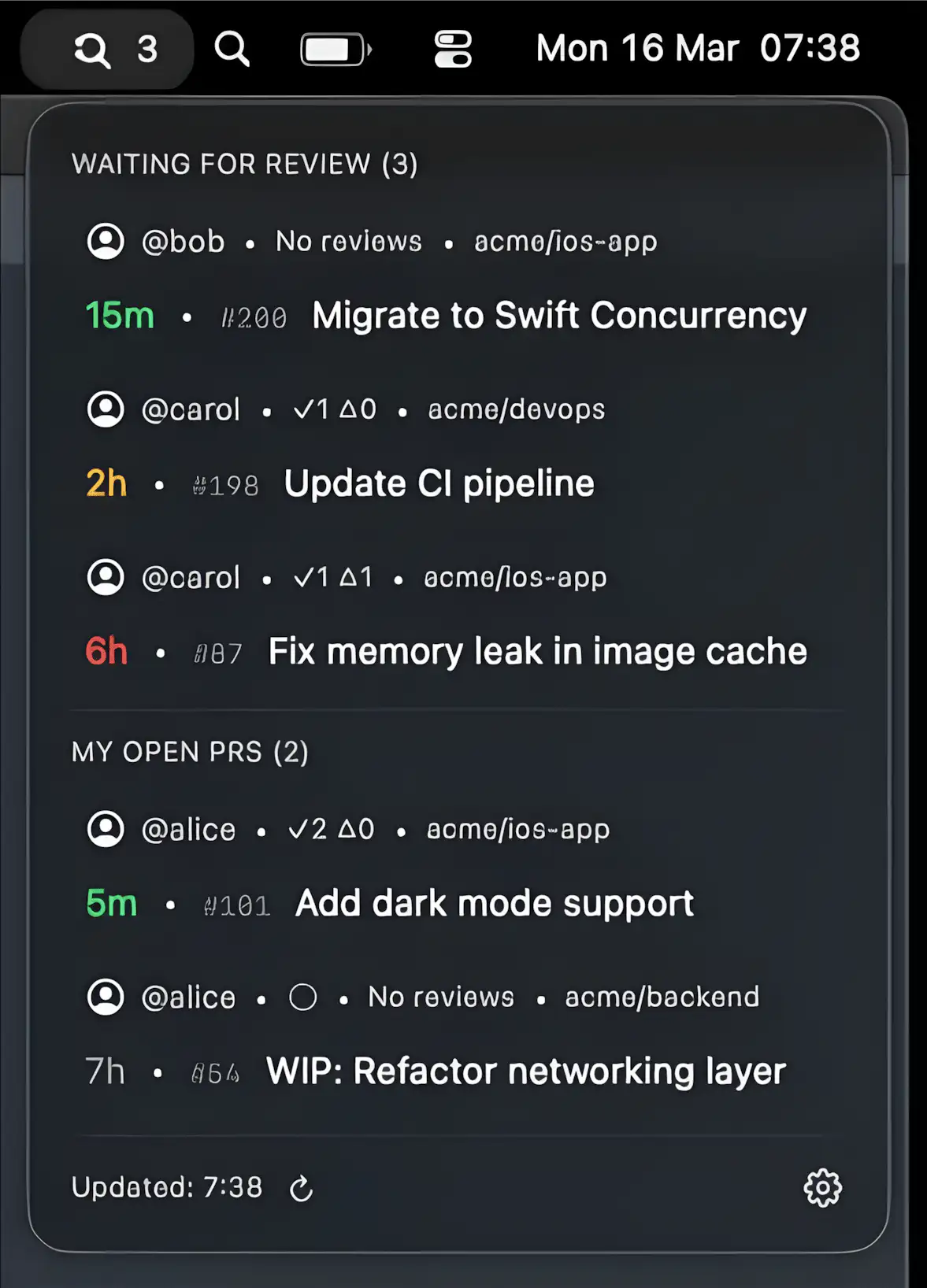
Git Glance
Keeps your recurring revenue visible without the usual dashboard clutter, combining Stripe, Polar and Lemon Squeezy data while nudging you about every meaningful change.
Homebrew
The Missing Package Manager for macOS (or Linux)
Inkscape
Vector graphics editor
Krita
Free and open-source painting and sketching program
macFUSE
Extend macOS file-system support through a user-space development framework.
MacPorts
An open-source community initiative to design an easy-to-use system for compiling, installing, and upgrading either command-line, X11 or Aqua based open-source software
Paw
Advanced API tool for Mac
Postico
Modern PostgreSQL client for macOS
Proxyman
Native HTTP debugging proxy
RocketSim
Enhance Xcode Simulator productivity
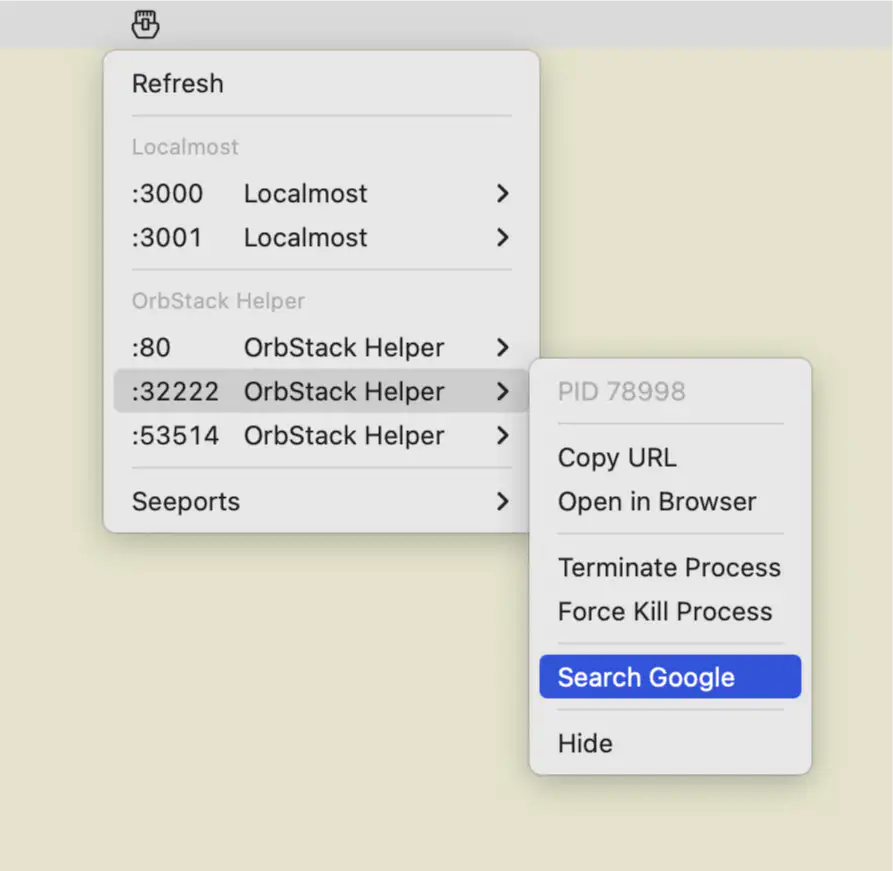
Seeports
Run local HTTP servers on macOS by dragging any folder to instantly serve files with automatic port assignment, multiple server management, logs, and directory listings.
SF Symbols
Browse and export Apple's SF Symbols
TablePlus
Modern native database management tool
TablePro
Native database client for MySQL, PostgreSQL, SQLite, MongoDB, Redis, and more
tldr-pages
A collection of community-maintained help pages for command-line tools, that aims to be a simpler, more approachable complement to traditional [man pages](https://en.wikipedia.org/wiki/Man_page)
VirtualBox
Create and run cross-platform virtual machines from your Mac.
Visual Studio Code
A code editor redefined and optimized for building and debugging modern web and cloud applications
VMware Fusion
Run Windows, Linux, and other operating systems in virtual machines on a Mac.
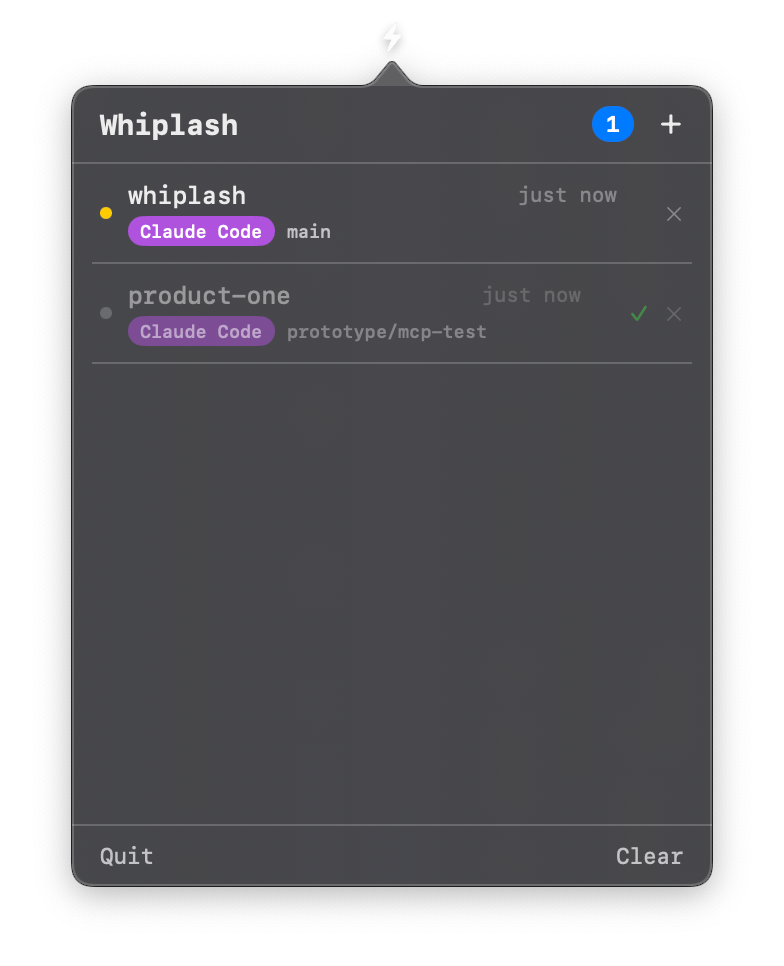
Whiplash
Helps developers stay on top of Claude Code, Gemini CLI, and Codex sessions in one place, tracking what's running, idle, or finished, with task awareness.

XQuartz
Run software that depends on the X.Org window system on macOS.
Zed
Zed is a high-performance, multiplayer code editor from the creators of Atom and Tree-sitter
About Developer Tools
Developer tools for Mac range from the editors you stare at all day — Zed, VS Code, CotEditor — to the small utilities you forget are running: local servers, Git clients, API scratchpads, and menu bar monitors for AI coding sessions. macOS remains the default machine for a huge share of working developers, and the tooling ecosystem reflects it.
This category favors apps that are fast, scriptable, and light on system resources — a dev tool that drags the machine down isn't saving you anything. A large share of the entries are open source, so you can read exactly what they do before trusting them with your codebase.